AI Body Shape Editor for iPhone
See Your Dream Body
in One Tap
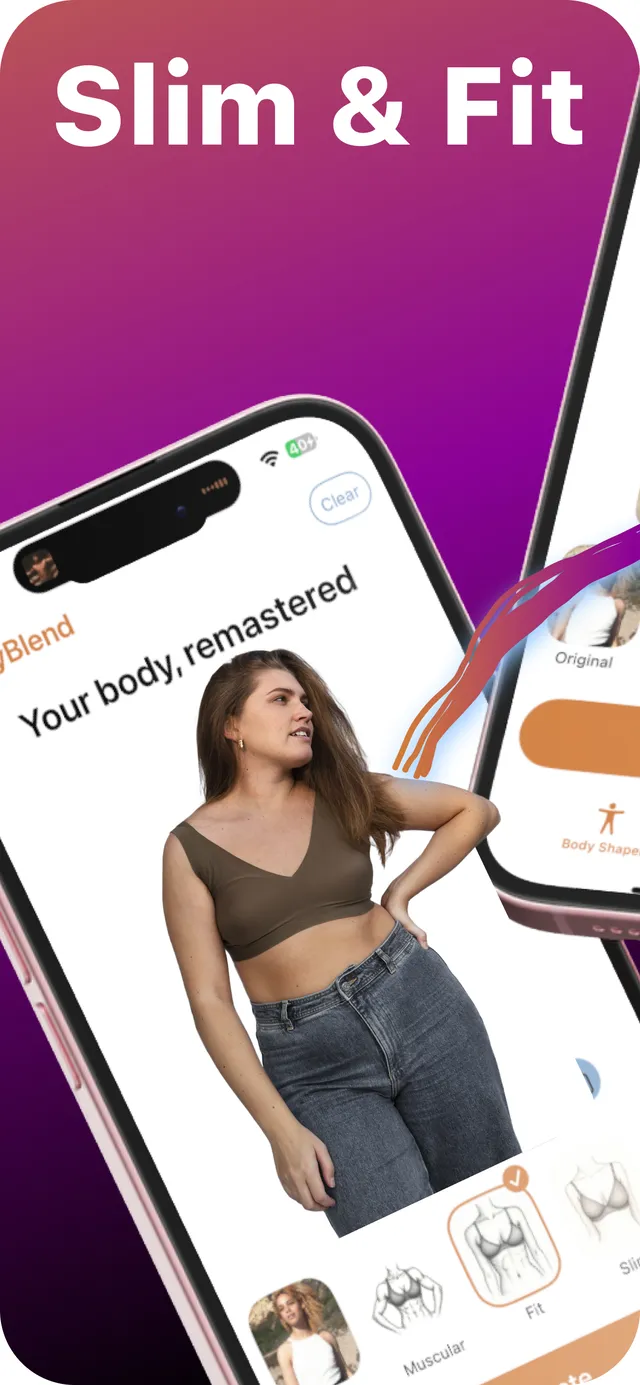
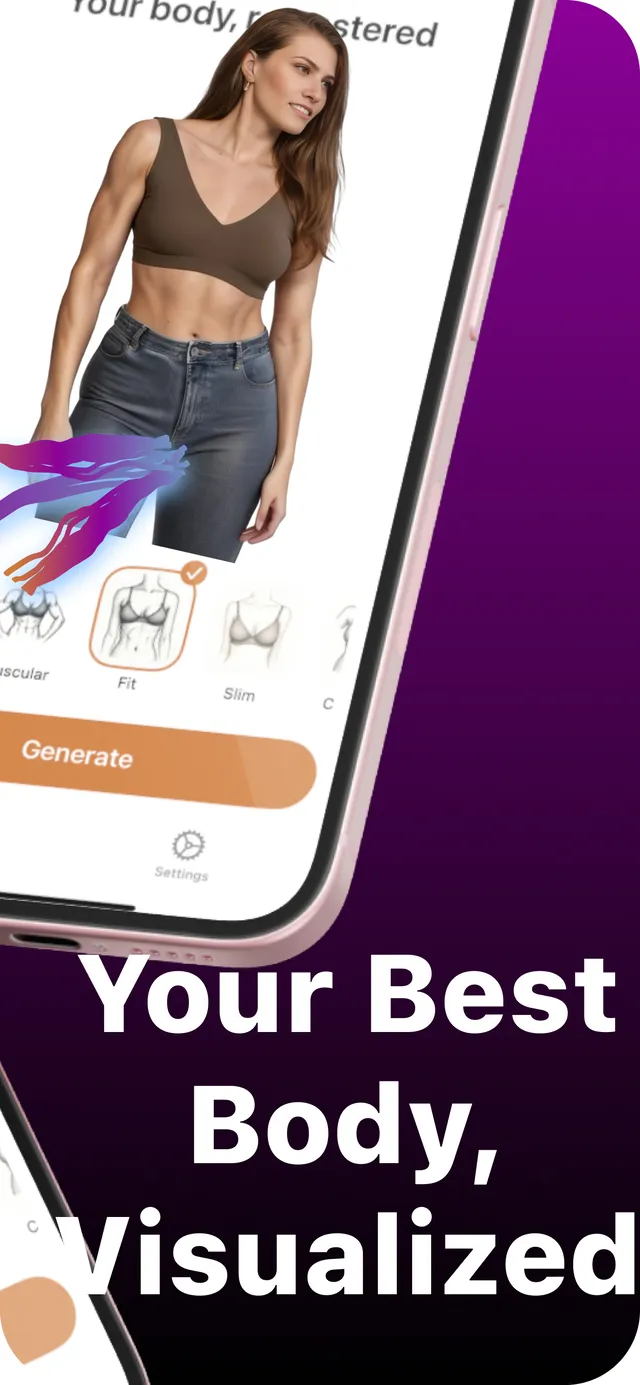
Upload a photo, pick a body shape like Muscular, Hourglass, Slim or Ripped, and BodyBlend reshapes your body with AI. No sliders, no Liquify, no warped backgrounds.
17 Body Shapes
11 Body Part Edits
No Editing Skills Needed
BodyBlend is an AI body shape editor for iPhone and iPad. Upload a photo, choose one of 17 body shapes or edit a single area like your waist, arms or abs, and see your goal body on your own photo in one tap, with no manual retouching.
How BodyBlend Works
Upload a photo, choose a body shape or a single body part, and tap Generate. A generative AI model redraws your body toward that goal while keeping your face, skin tone and background, so you can see a fitness goal on your own body before you start.
Body Shaper
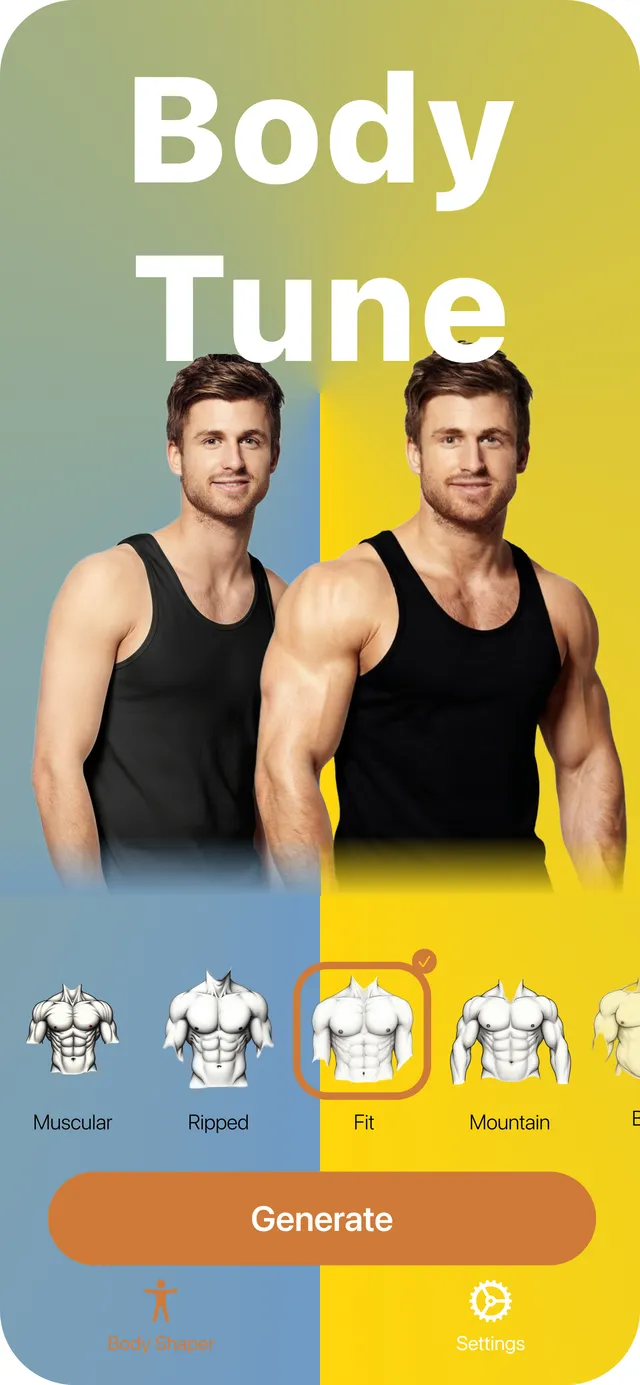
Pick a target body: Muscular, Fit, Hourglass, Peachy, Slim, Curvy, Chubby and Overfull for women; Muscular, Ripped, Fit, Mountain, Bear, Slim, Dadbod, Chubby and Overfull for men. Every shape runs on your original photo.
NEW
Body Edits
Fine-tune one area at a time: slim face, small waist, slim or muscular legs, muscular arms, small belly or abs. Edits stack, so you can combine them.
Use Any Photo
Pick a photo from your library or take a new one. Clear, well-lit photos where your body is visible give the best results.
One Tap, No Sliders
No Liquify, no brushes, no masking. Tap Generate and the AI does the reshaping for you.
Background Stays Straight
BodyBlend redraws only your body, so walls, door frames and floors don't bend the way they do with warp tools.
Still Looks Like You
Your face, skin tone and clothes carry over from the original, so the result still looks like your photo.
Before & After
Compare the original and the result side by side, then save it to Photos or share it.
For Men and Women
Separate body shapes and edits for male and female bodies. Switch any time in Settings.
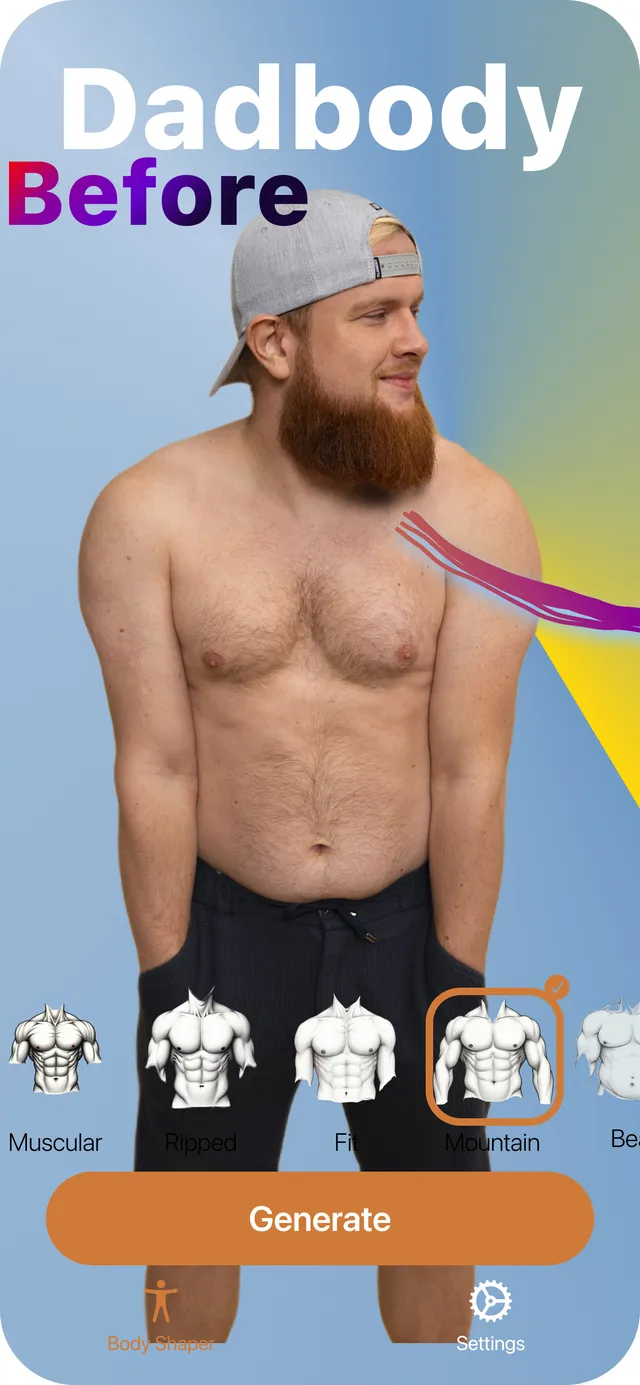
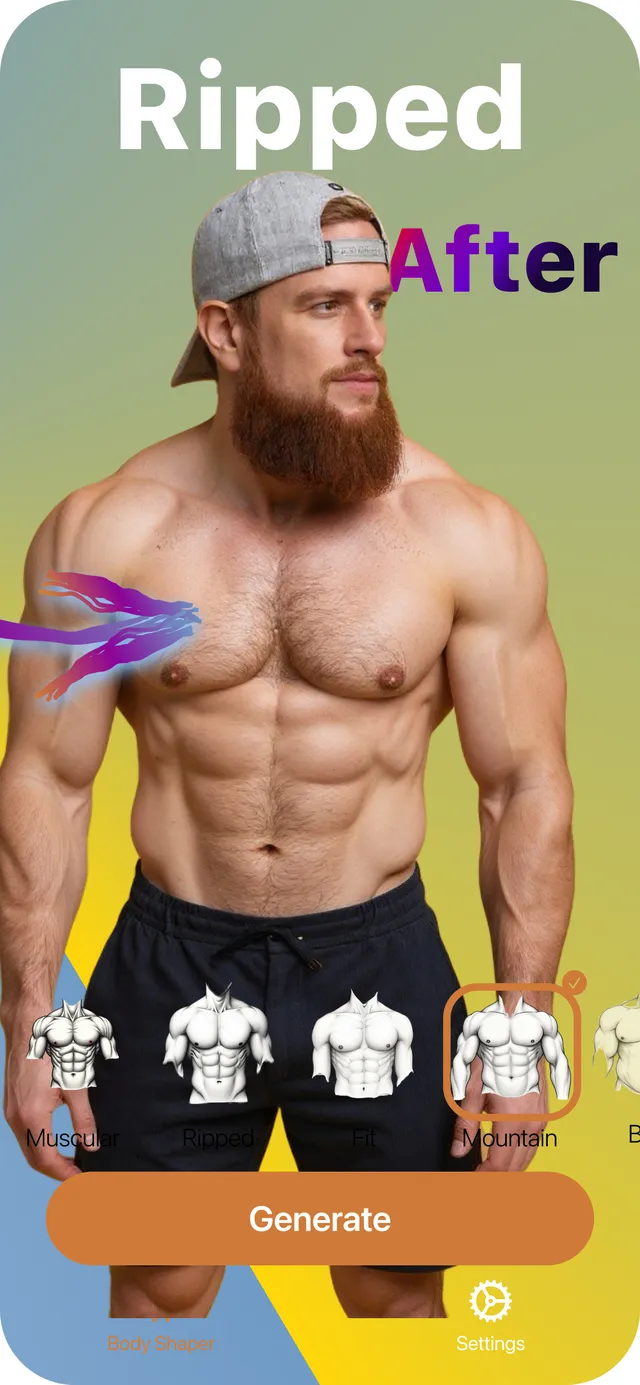
Before and After
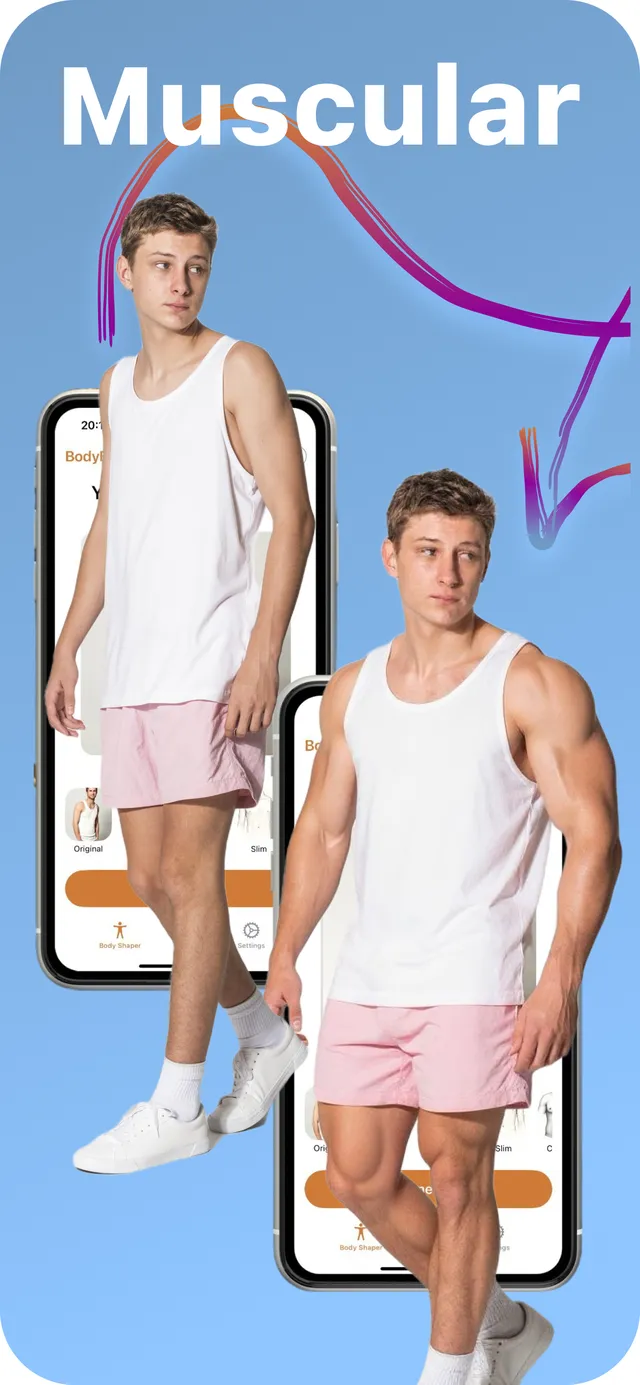
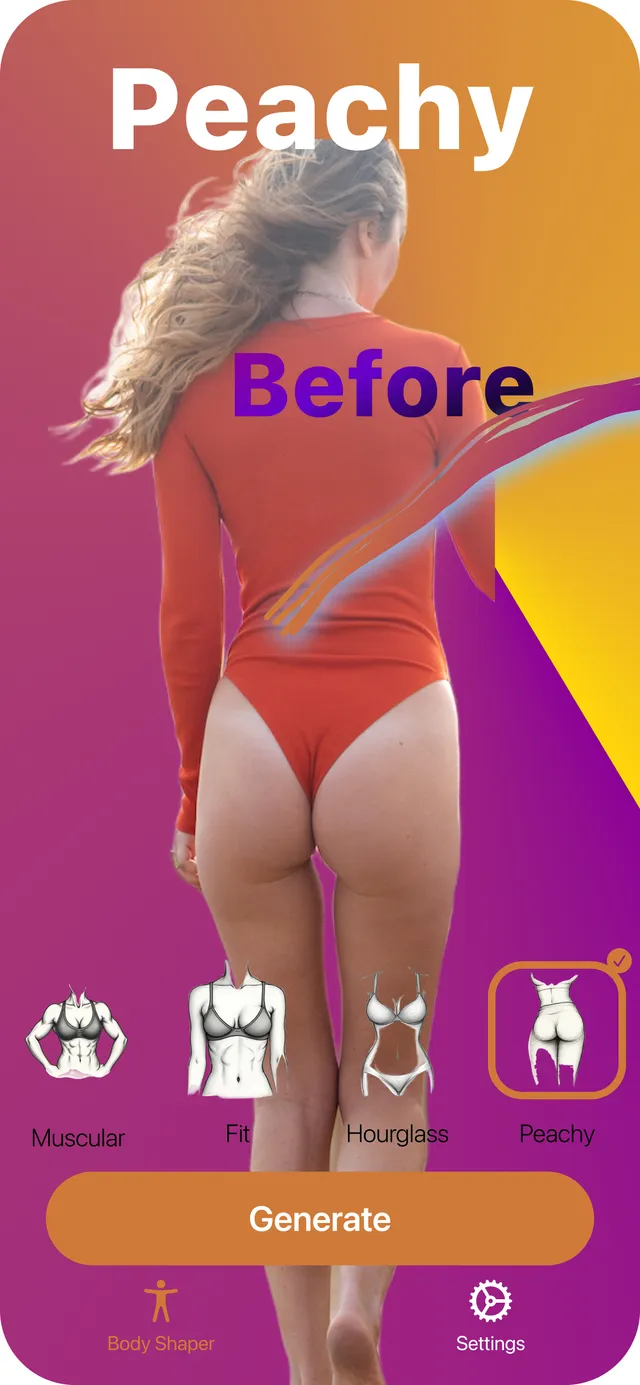
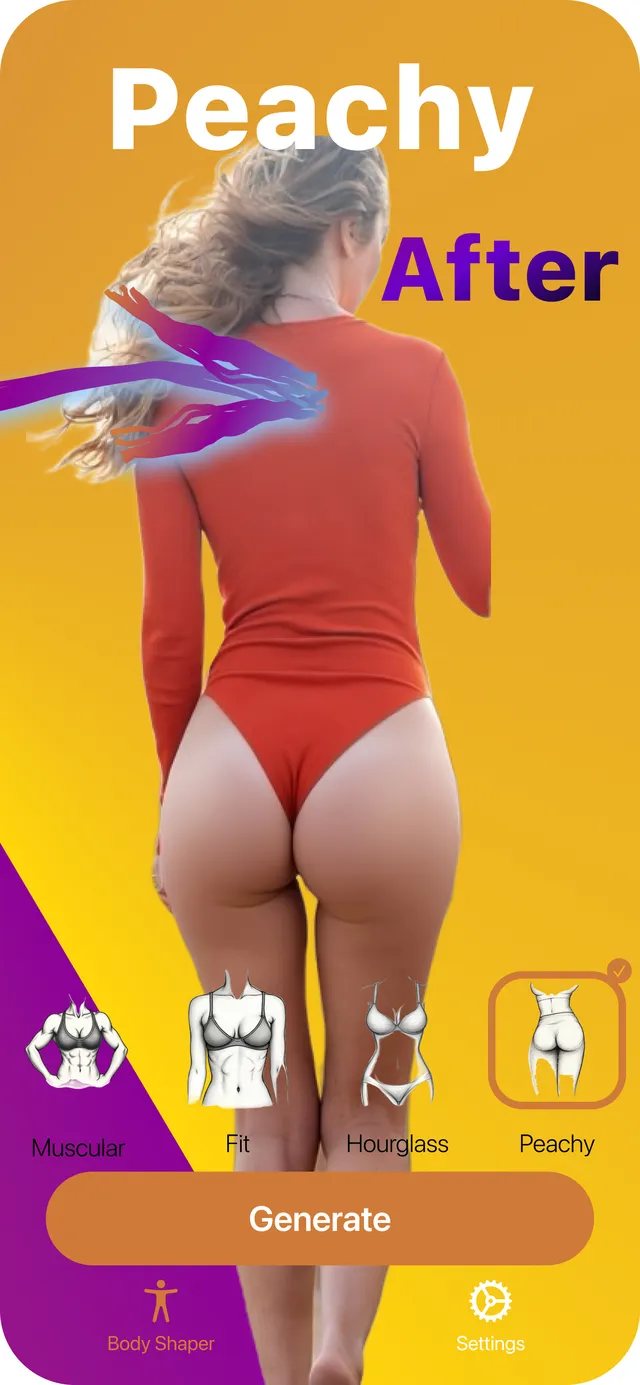
Dadbod to Ripped, slim to Muscular, straight to Hourglass: the same person, the same photo, the same background. Only the body changes.
Every result is generated from a single photo in one tap, with no manual retouching.
4.4 out of 5 on the App StoreFree to download for iPhone and iPad
Every Body Shape and Edit
Go all the way with a full body shape, or change just one area. Here is everything you can generate in BodyBlend today, for both men and women.
Body Shapes for Women
Body Shaper: each shape runs on your original photo
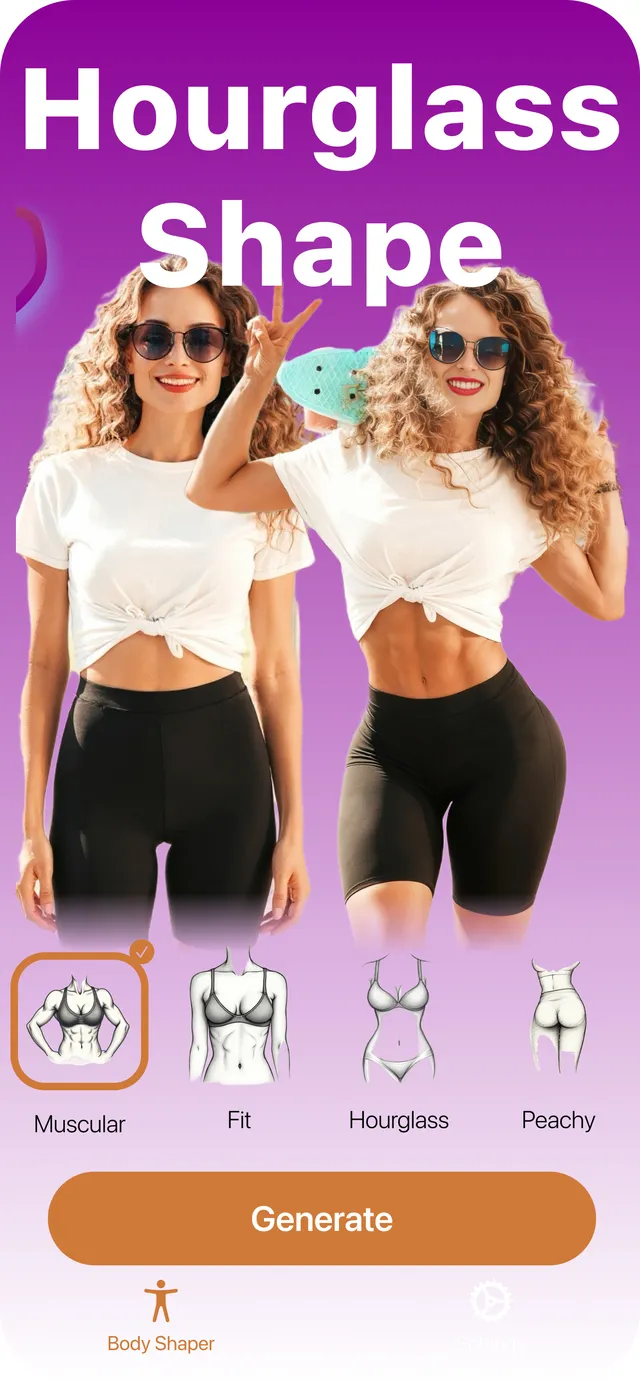
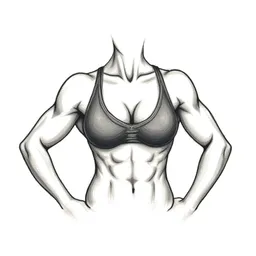 MuscularVisible muscle tone through the arms, shoulders and core.
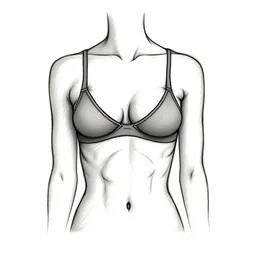 FitLean and toned, with a flat stomach and light definition.
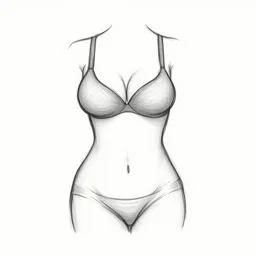 HourglassA defined waist with balanced bust and hips.
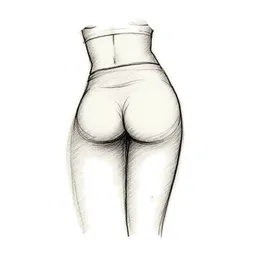 PeachyRounder, lifted glutes with a slim waist.
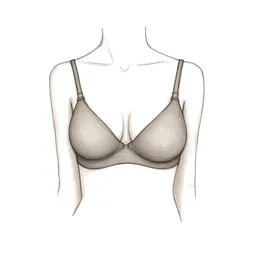 SlimA slimmer, narrower figure overall.
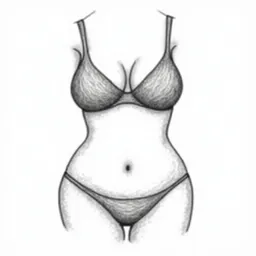 CurvyFuller hips and bust with soft curves.
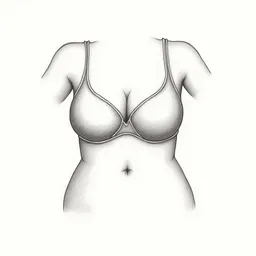 ChubbyA softer, rounder figure with more body fat.
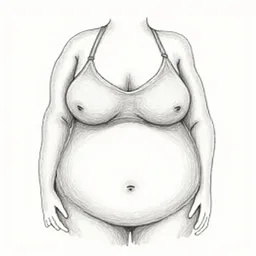 OverfullA heavy, full figure, for fun or as a what-if.
Body Shapes for Men
Body Shaper: each shape runs on your original photo
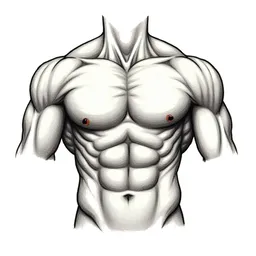 MuscularA big, muscular build through the chest, arms and shoulders.
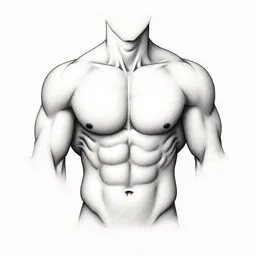 RippedVery low body fat with sharp abs and vascular arms.
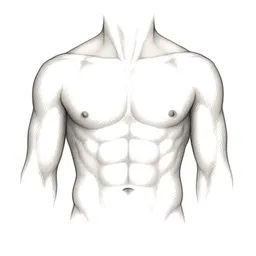 FitAthletic and lean, with visible abs.
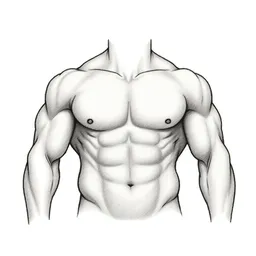 MountainA massive, bodybuilder-size frame.
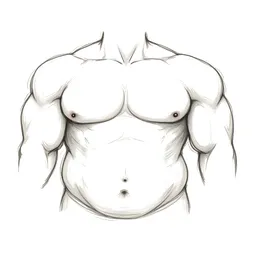 BearBroad and strong, with some softness on top.
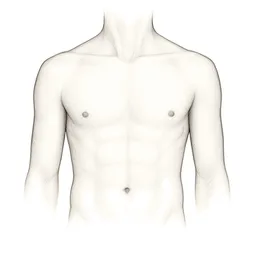 SlimA slim, narrow build.
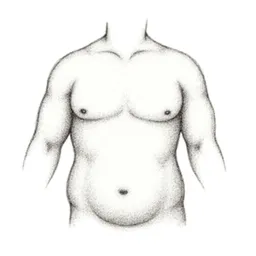 DadbodA relaxed build with a soft belly.
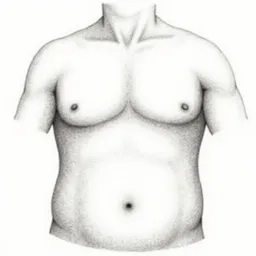 ChubbyA rounder build with more body fat.
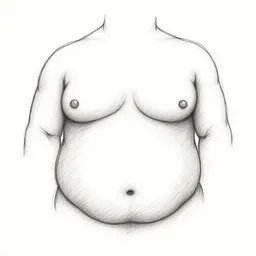 OverfullA heavy, full build, for fun or as a what-if.
Body Edits for Women
One body part at a time, and edits stack
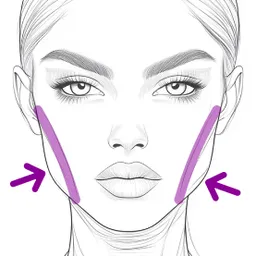 Slim FaceA slimmer face and jawline.
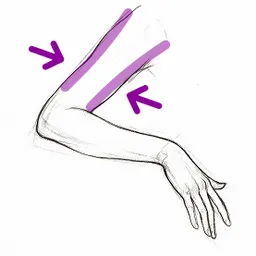 Slim ArmsSlimmer upper arms.
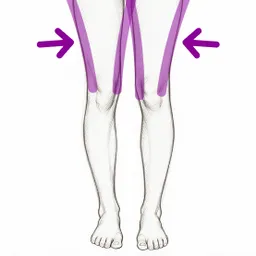 Slim LegsSlimmer thighs and calves.
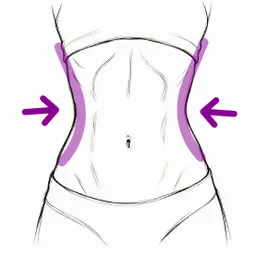 Small WaistA narrower waist.
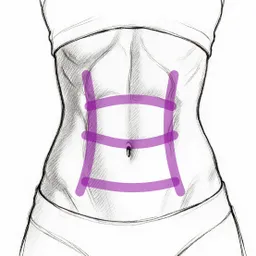 AbsToned, visible abs.
Body Edits for Men
One body part at a time, and edits stack
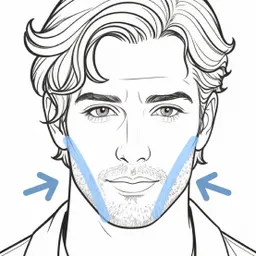 Slim FaceA slimmer face and sharper jawline.
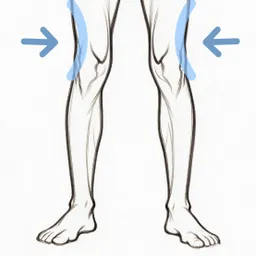 Slim LegsSlimmer legs.
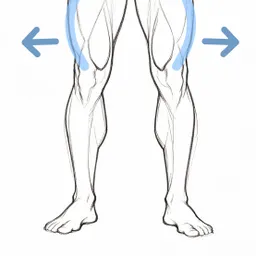 Muscular LegsBigger, more muscular legs.
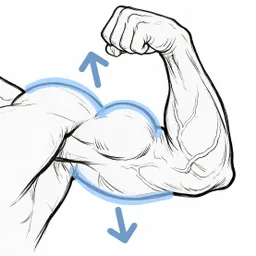 Muscular ArmsBigger biceps and shoulders.
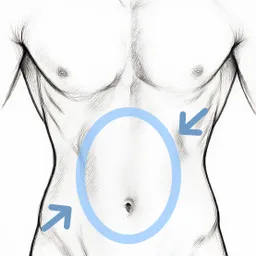 Small BellyA flatter stomach.
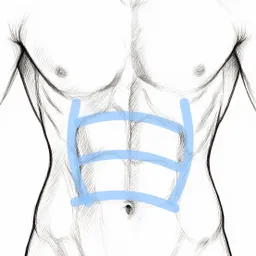 AbsA defined six-pack.
How BodyBlend Compares
Manual body editors stretch pixels, Photoshop needs skill, and general AI chatbots tend to change your face. BodyBlend is built only for reshaping bodies in photos.
| Feature | BodyBlend | Manual Reshape Apps | Photoshop | AI Chatbots |
|---|---|---|---|---|
| One-Tap Full Body Reshape | ||||
| Preset Body Shapes (Hourglass, Ripped...) | ||||
| Single Body Part Edits | ||||
| Adds Real Muscle Definition | ||||
| Background Stays Straight | ||||
| Keeps Your Face and Identity | ||||
| No Editing Skills Needed | ||||
| Built for iPhone |
Support
Your Questions, Answered.
Everything you need to know about BodyBlend.
BodyBlend is an AI body shape editor for iPhone and iPad. Pick a target body shape or edit one body part, and it reshapes your photo in one tap, with no sliders or Liquify. It is listed on the App Store as "Body Tune Editor - BodyBlend" and is made by Zoltan Dross of Dross Creative.
You upload a photo, pick a target body shape and tap Generate. A generative AI model redraws your body toward that shape while keeping your face, skin tone, clothes and background. There are no sliders, brushes or Liquify tools to learn.
BodyBlend has 8 female body shapes (Muscular, Fit, Hourglass, Peachy, Slim, Curvy, Chubby and Overfull) and 9 male body shapes (Muscular, Ripped, Fit, Mountain, Bear, Slim, Dadbod, Chubby and Overfull). Every shape runs on your original photo, so you can compare them side by side.
Yes, with Body Edits. Female edits are Slim Face, Slim Arms, Slim Legs, Small Waist and Abs; male edits are Slim Face, Slim Legs, Muscular Legs, Muscular Arms, Small Belly and Abs. Body Edits stack: each one runs on the latest result, so you can slim the face, then add abs, then narrow the waist.
BodyBlend is built to avoid it. Manual reshape tools push pixels, so walls, door frames and floors bend along with your body. BodyBlend separates the person from the background and redraws only the body, so straight lines stay straight.
A clear, well-lit photo where your body is visible gives the best results. Some photos suit certain body shapes better than others, so try a few. Every generation is different, so if a result is not quite right, generate again.
BodyBlend is free to download and includes a few free generations. Continued use requires a BodyBlend Pro subscription. Prices vary by country and plan, so check the App Store listing for current pricing.
BodyBlend runs on iPhone and iPad with iOS or iPadOS 18.6 or later. There is no Android or web version.
Yes. You choose a gender when you first open the app, and you can change it any time in Settings. Men and women get their own body shapes and Body Edits.
According to BodyBlend's App Store privacy label, photos are used only to provide the app's functionality and are not linked to your identity. BodyBlend does not post anything for you; you choose what to save or share.
Most people use it to see a fitness goal on their own body before they start training, as motivation during a weight-loss or muscle-building plan, to compare body shapes, or just for fun with friends.
No. BodyBlend shows an AI visualization of a body shape, not a prediction of what diet or training will do for you. Treat it as a motivating picture of a goal, not a medical or fitness forecast.
See Your Goal Body
Ready to See Your Best Body?
Upload a photo, pick a body shape and see the result in one tap. Use it as motivation for the gym, to compare body types, or just for fun.
BodyBlend — Your Body, Remastered