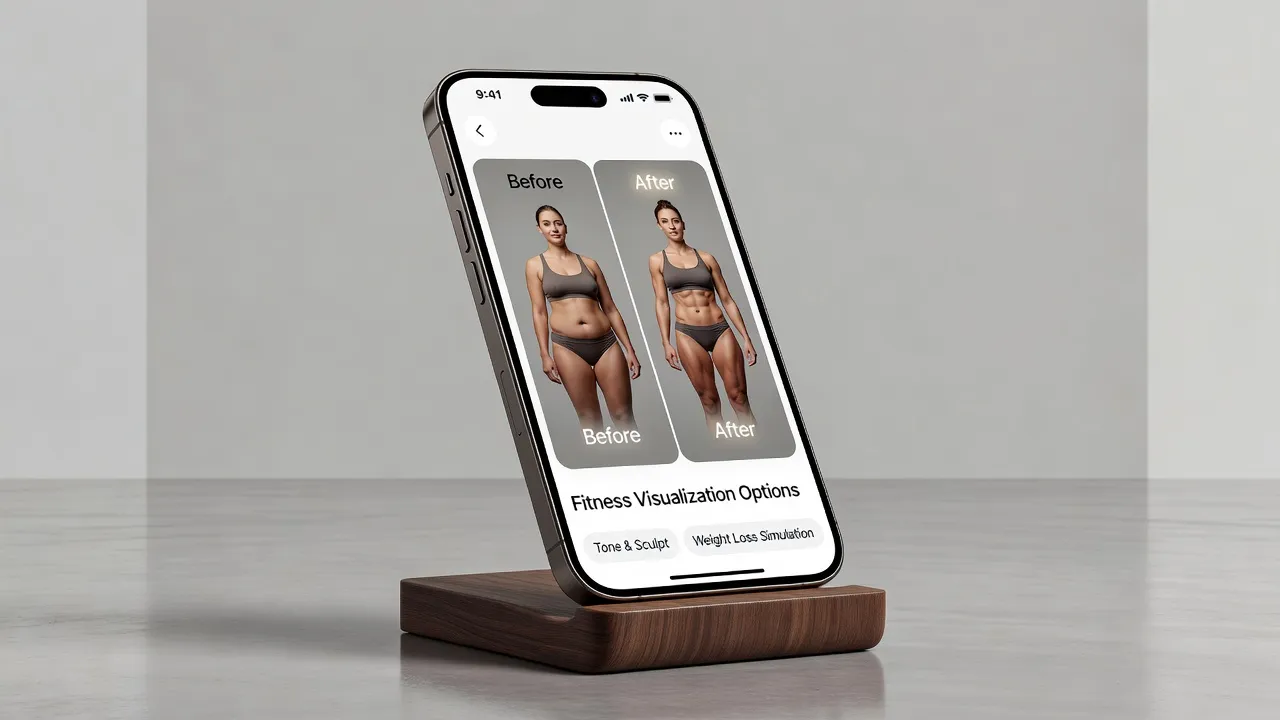
An AI body editor uses generative neural networks to modify physical attributes in photographs while keeping background details, skin tone, and clothing realistic. Unlike traditional retouching apps that require manual warping, modern AI body editors evaluate the entire image geometry to adjust waist sizes, add muscle definition, or alter body shape in a single tap without bending straight lines behind the subject.
Whether you want to visualize a personal fitness goal before starting a new workout plan or quickly clean up photos for social media, AI tools eliminate the tedious pixel-pushing of older photo editors. Understanding how these tools work and how they differ from traditional manual apps will help you pick the best editor for your goals.
What are the best apps for changing body shape in photos?
The best apps for changing body shape in photos range from instant generative AI tools like BodyBlend to manual editing suites like Facetune, Perfect Me, BodyApp, RetouchMe, and Adobe Photoshop. Selecting the right software depends on whether you prefer automated one-tap body reshaping or manual control over every pixel brush.
As of October 2026, the photo editing market offers several distinct approaches to body modifications:
- BodyBlend: Automated generative AI reshaping that isolates the body and protects background lines.
- Facetune: Manual liquify sliders combined with cosmetic facial retouching filters.
- Perfect Me: Body and face reshaping mesh tools with integrated video editing capabilities.
- BodyApp: Sticker-based manual muscle overlays and manual torso slimmings.
- RetouchMe: Human-driven editing service where individual designers edit photos on demand.
- Adobe Photoshop: Professional desktop pixel editor using manual Liquify masks and layers.
| App | Target Reader | Editing Technology | Background Protection | Base Price (2026) |
|---|---|---|---|---|
| Facetune | Casual creators focusing on facial retouches and portrait lighting | Manual Liquify sliders & AI facial overlays | High risk of background warping | Free download with subscriptions from $7.99/month |
| BodyBlend | Fitness planners and creators wanting clean one-tap body edits | Automated generative AI inpainting | Zero background bending | Free download with 1 free edit, then $14.99/month |
| Perfect Me | Mobile editors looking for both photo and video body adjustments | Mesh warping & preset filters | Moderate risk on patterned backgrounds | Free with in-app feature purchases |
| RetouchMe | Users who prefer human designers handling manual retouching | Outsourced human design team | Low risk (human reviewed) | Credit-based system starting at $0.99 per edit |
| Adobe Photoshop | Professional photographers wanting granular control over every pixel layer | Manual Liquify filter and mesh masks | High risk without manual masking layers | $22.99/month Creative Cloud plan |
What most people get wrong when editing body shape in photos
The biggest mistake people make with body editor apps is relying on manual liquify tools that warp background walls, doorframes, and gym equipment. When you push pixels using traditional smudge brushes, the pixels surrounding your body stretch alongside your waist or arms. This leaves behind curved lines and distorted textures that immediately reveal the photo was altered.
Another common error is over-editing target proportions beyond realistic anatomical structures. If you use a body editor to visualize a weight-loss or muscle-building goal, setting unrealistic proportions creates an unachievable target. According to technical documentation on computer vision techniques, automated segmentation isolates the subject from the background grid, preventing background distortion while maintaining anatomically proportional adjustments.
Finally, people waste hours dragging manual sliders back and forth to fix simple shadows. Modern generative AI processes photos in seconds, making manual brush adjustments obsolete for quick, realistic previews.
How does AI body editor compare to FaceTune?
While Facetune excels at facial retouching and skin smoothing, dedicated AI body editors focus on full-body re-proportioning without distorting surrounding objects. Facetune relies heavily on manual liquify brushes and target sliders that require precise finger movements across a touchscreen.
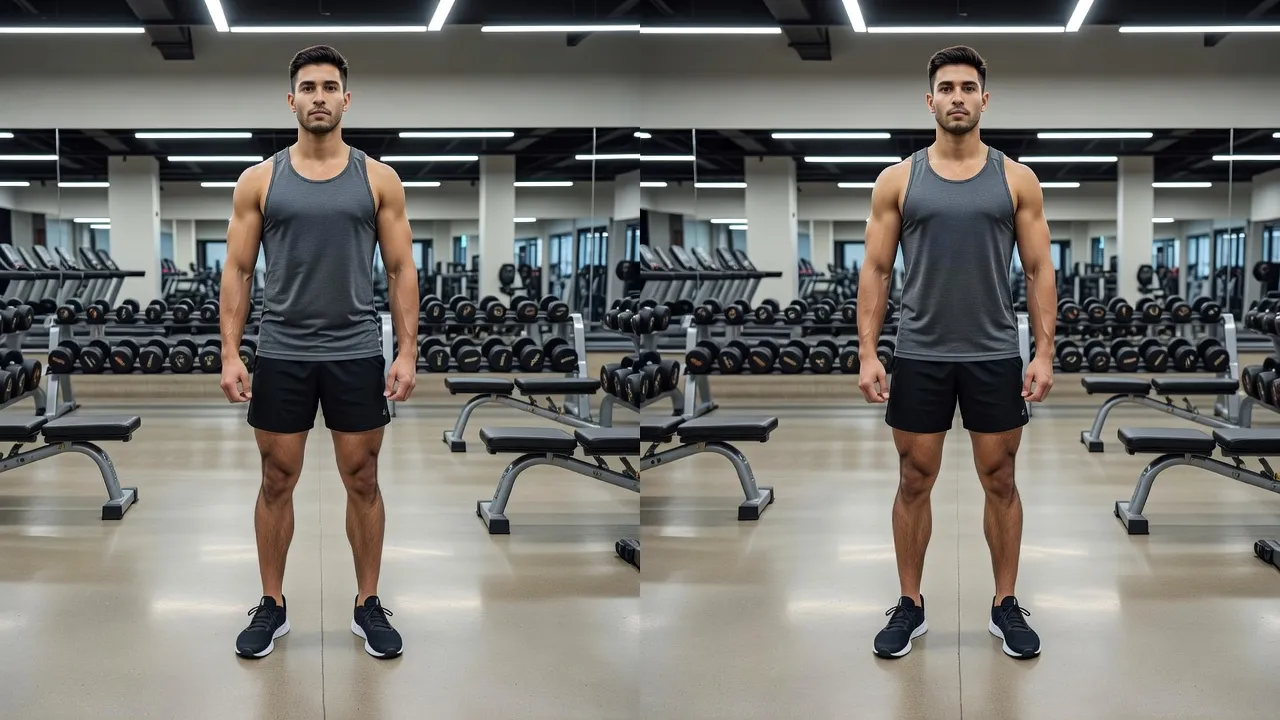
If you attempt to widen shoulders or narrow a waist in Facetune near a tiled wall or gym rack, the lines behind you often curve. Dedicated AI body editors automatically detect body borders and separate the subject from the background plane before adjusting proportions.
Facetune remains a strong option if your primary goal is removing skin blemishes or tweaking facial lighting. However, for structural body changes like adding chest mass or narrowing a torso, an AI-driven tool provides cleaner results in far less time. You can review Facetune's full features directly on the Apple App Store.
How does AI body editor compare to Perfect Me?
Perfect Me offers a hybrid mix of photo and video reshaping tools, but an AI body editor delivers higher realism by generating new pixel data instead of stretching existing pixels. Perfect Me uses standard mesh-stretching overlays to adjust body parts like waistlines, hips, and legs.
This mesh approach works fine on simple, plain backdrops. However, on complex backgrounds like gym mirrors or crowded outdoor spaces, mesh dragging pulls background elements toward the body.
AI body editors analyze the broader context of your photo to redraw muscle contours or body outlines natively. Deep learning models preserve original clothing folds and fabric textures far better than traditional mesh-stretching tools.
How does AI body editor compare to BodyApp?
BodyApp focuses on manual muscle stickers and preset body filters, whereas an AI body editor seamlessly integrates new physical proportions directly into your original photo. In BodyApp, users manually place abs or chest overlays onto their torso and adjust opacity levels to fit the frame.
This manual sticker method often results in awkward skin tone mismatches or unnatural alignment under dynamic lighting. If your original photo features harsh side lighting, a flat muscle overlay will look pasted on top of the image.
Generative AI body editors preserve the lighting, shadow direction, and exact skin tone of your original upload. By choosing preset parameters like muscular, fit, or hourglass, the AI recalculates shadows and highlights so the modification matches room lighting naturally.
How does AI body editor compare to RetouchMe?
RetouchMe sends your photos to human editors who perform manual touch-ups, while an AI body editor generates instant results using neural network algorithms. RetouchMe operates on a credit system where you pay per edit and wait 10 to 30 minutes for a designer to edit and return the image file.
While human editors handle custom requests well, the pay-per-photo model gets expensive fast if you want to experiment with different body shapes. It also introduces privacy considerations because real individuals view your uploaded photos.
An AI body editor operates on a simple subscription model and renders results in under three seconds. This instant turnaround allows you to test several body transformations side-by-side without waiting or paying per photo.
How does AI body editor compare to Adobe Photoshop?
Adobe Photoshop gives professionals complete pixel-level editing control through its Liquify tool, but an AI body editor automates the entire process without requiring specialized graphics training. In Photoshop, reshaping a body requires manually creating selection masks, isolating layers, and using the Liquify filter on high-resolution images.
According to Adobe's official Liquify guide, users must manually reconstruct background layers using Content-Aware Fill to prevent background warping. This process takes 15 to 30 minutes per photo for a skilled editor.
AI body editors eliminate this technical barrier entirely. By leveraging trained machine learning models, mobile apps perform complex layer separation and background reconstruction automatically in one tap.
Why BodyBlend provides a cleaner approach to body editing
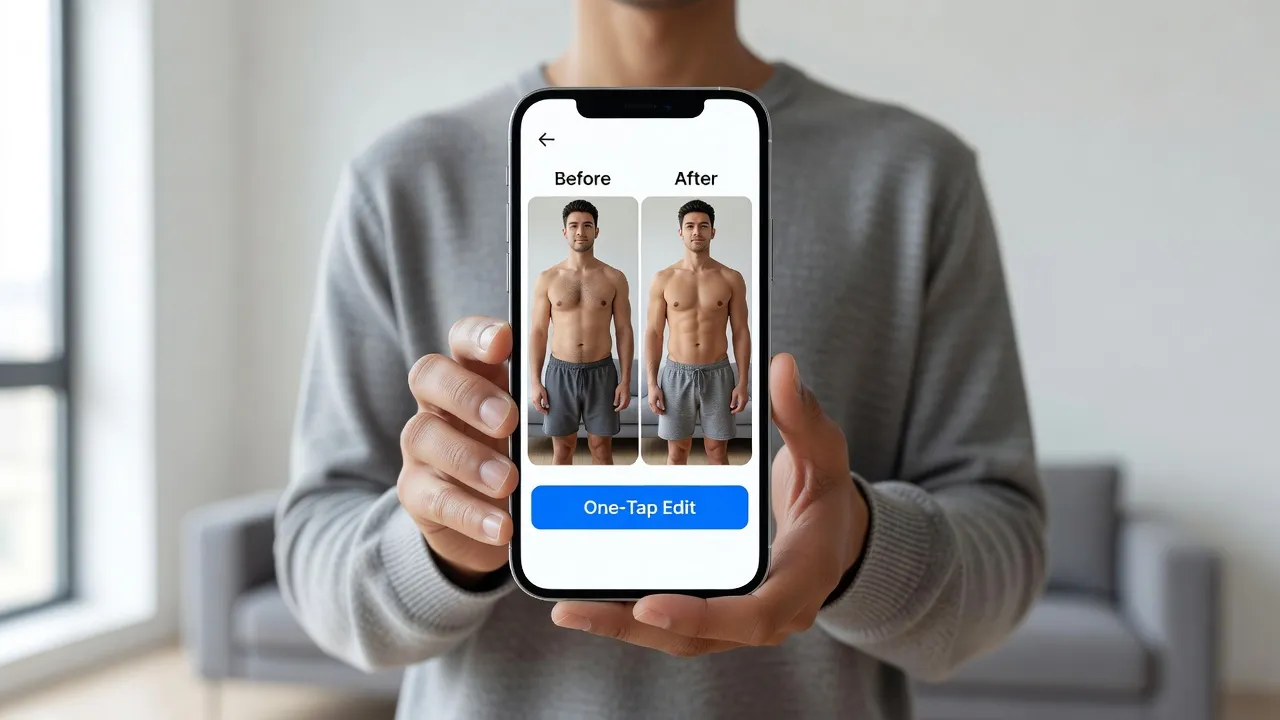
BodyBlend solves background warping and complex slider issues by using automated neural reshaping. Designed specifically for iOS devices, the app allows users to upload a photo and select from 17 preset body shapes or 11 specific body part edits.
Whether you want to visualize a fit physique or adjust specific areas like arms or waistlines, BodyBlend redraws physical outlines without touching the background. Straight lines remain straight, doorframes stay plumb, and facial features remain completely untouched.
I find that single-tap tools are far more useful for fitness goal setting than spending twenty minutes pushing pixels manually. You can download BodyBlend on the App Store to test one free generation before selecting a subscription plan. Pricing checked in October 2026 starts with flexible weekly or monthly tiers.
How to use an AI body editor to visualize fitness goals accurately
To build an accurate fitness target using an AI body editor, start with a well-lit photo taken at eye level against a simple backdrop. Photos taken from low or high angles distort natural camera proportions before you even apply an edit.
Follow these three steps to create realistic fitness visualization photos:
- Select realistic targets: Choose presets like "Fit" or "Muscular" rather than extreme transformations if you use the image as a workout motivation benchmark.
- Keep lighting consistent: Ensure your source photo has soft, even lighting so the AI computes proper depth shadows across muscle contours.
- Save side-by-side comparisons: Store your baseline photo and AI-edited photo together to monitor real-world progress over time.
Pairing visual progress targets with daily gym consistency is key to reaching physical health goals. If you need inspiration during your training journey, reviewing motivation quotes for gym can keep your mindset focused while your physical training catches up to your visual plan.
Key features to look for in a modern AI body editor
When choosing a body editor in 2026, prioritizing background protection and automated feature detection ensures high-quality results. Older apps require manual masking around clothes and skin, whereas modern AI tools handle edge detection automatically.
Here are the most critical features to evaluate:
- Automatic background preservation: The software must identify non-body elements and freeze them during pixel generation.
- Face protection locks: The system should automatically isolate facial features to prevent accidental morphing.
- Targeted body part editing: Look for apps that let you edit single areas, such as arms or waist, alongside full-body presets.
- Gender-tailored models: Algorithmic adjustments should use separate training datasets for male and female body structures.
- Stackable edits: You should be able to combine waist slimmings with arm definition in a single render pass.
You can learn more about how automated algorithms process photo layers on BodyBlend's about page.
Frequently Asked Questions
What is an AI body editor?
An AI body editor is a mobile or desktop application that uses artificial intelligence to alter physical body shape, proportions, or muscle definition in photos automatically without requiring manual pixel warping.
Do AI body editors distort background lines?
Modern AI body editors isolate the subject from the background using image segmentation, keeping background walls, doors, and gym equipment completely straight during edits.
Can I use an AI body editor for fitness motivation?
Yes, many users generate edited photos to visualize target body shapes, such as a slimmer waist or increased muscle mass, before beginning a weight-loss or strength-training program.
How does an AI body editor differ from Photoshop Liquify?
An AI body editor automatically identifies body features and redraws proportions in one tap, whereas Photoshop Liquify requires manual brush movement and complex layer masking to prevent background distortion.
Are AI body editor apps free to use?
Most AI body editors are free to download and offer limited free edits or trial generations, with full access available through weekly or monthly subscriptions.
Does an AI body editor change my face or skin tone?
Dedicated AI body editors lock the facial region and sample your original skin tone, altering only physical body outlines while keeping facial features and skin color consistent.
Can I edit specific body parts without changing my whole body?
Yes, modern editors allow targeted body part modifications, letting you adjust single areas like your abs, arms, or waist independently of the rest of your frame.