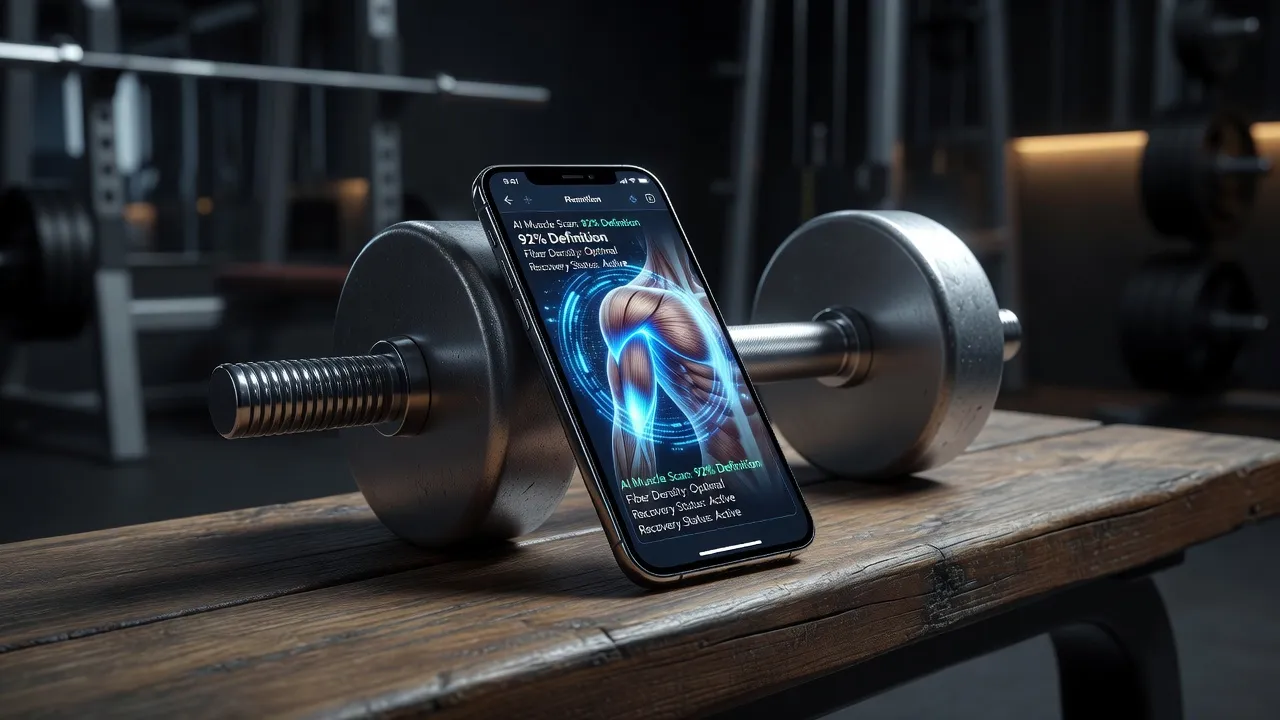
An AI muscle generator uses computer vision to render defined musculature onto photos or build algorithmically customized workout routines. Visual photo editors redraw body contours like abs and biceps without altering face features or warping background lines, while strength-training applications analyze volume logs to calculate progressive overload. Whether you are previewing a physical transformation goal on your own picture or automating a weekly gym routine, these platforms replace manual photo retouching and generic workout templates with targeted neural networks.
People searching for muscle AI technology usually fall into two distinct camps: those wanting to visualize physical progress on a personal photo, and those looking for algorithm-driven gym coaching. Both categories have expanded significantly as generative models become faster and more accurate.
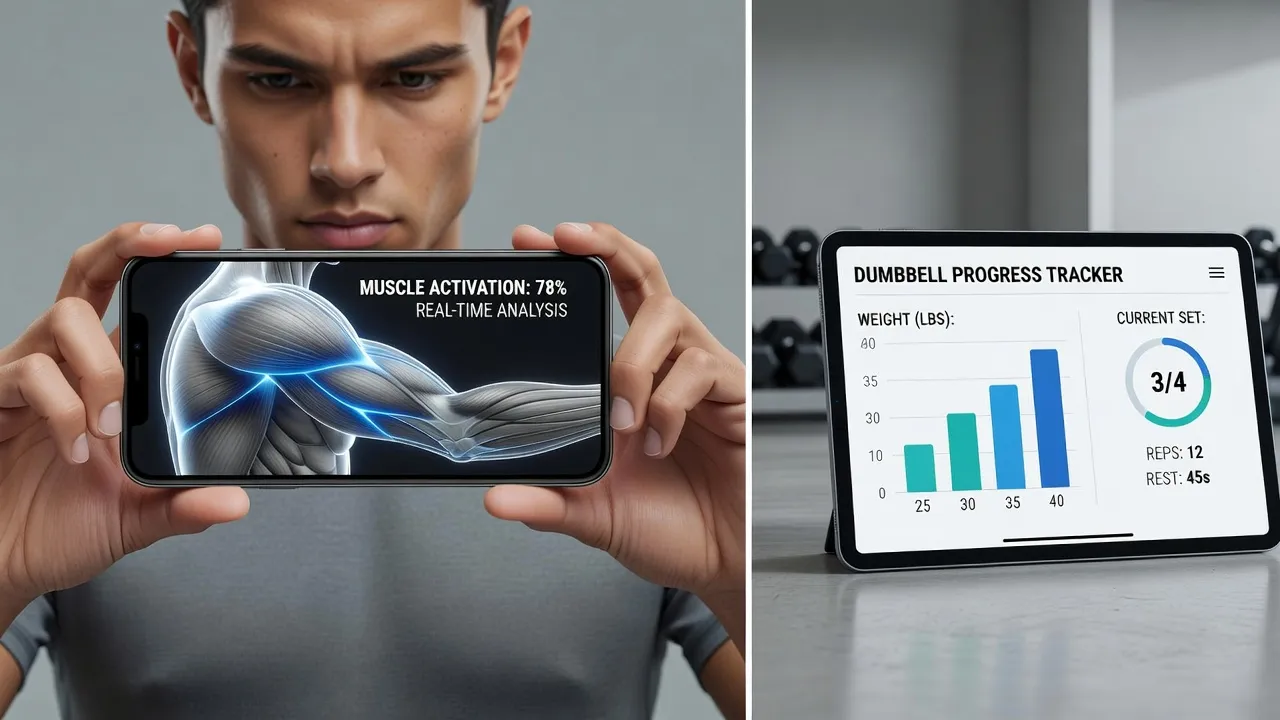
What is an AI muscle generator and how does it work?
An AI muscle generator is a software tool that uses machine learning algorithms to either modify body appearance in photographs or program physical resistance training. Visual muscle generators use diffusion models and deep neural networks trained on thousands of anatomical images to detect human torsos and add realistic muscle tone, vascularity, and mass. Workout AI tools use regression algorithms to calculate optimal sets, reps, and weights based on past performance data.
When you use a visual generator to create an ai generated muscle preview, the software executes three distinct phases:
- Anatomical Segmentation: The vision model identifies human limbs, chest boundaries, facial structures, and clothing seams.
- Inpainting and Reshaping: The AI redrawn specific areas (such as biceps or rectus abdominis) with enhanced shading and shadow contours.
- Background Alignment: Advanced apps preserve straight wall lines, gym equipment, and background grid patterns so the edit looks natural rather than stretched.
If your goal is to preview a higher muscle mass before starting a training phase, visual tools provide realistic target images. If your goal is building physical tissue, workout planners calculate the necessary training load.
What are the best AI workout apps for muscle building?
The best AI workout apps for muscle building include Fitbod, Freeletics, FitnessAI, Future, and Tempo Studio. These applications substitute rigid paper plans with adaptive algorithms that adjust your weights, rest intervals, and target reps based on daily muscular fatigue and previous performance.
Choosing the right application depends on your hardware setup, budget, and whether you prefer machine-generated workouts or human coaching augmented by algorithms.
Key Features and Limits of Top AI Muscle Platforms
The table below compares top AI muscle visualization tools and workout generator platforms. Prices and feature availability were verified in October 2026.
| Platform | Core Function | Best For | Entry Cost | Main Requirement or Limit |
|---|---|---|---|---|
| Fitbod | Adaptive Workout Generation | Customized Gym Routine Planning | $12.99/month | Requires manual logging of sets and reps |
| BodyBlend | One-Tap Photo Body Editor | Muscle Goal & Progress Visualization | Free (Pro from $9.99/wk) | iOS device required (iPhone, iPad, Duo) |
| Freeletics | Calisthenics & Hybrid AI Coach | Minimal Equipment Hypertrophy | $3.45/week | Aggressive bodyweight volume not ideal for heavy powerlifting |
| FitnessAI | Weightlifting Dataset Optimization | Linear Strength Progressions | $4.99/week | Requires Apple Health integration for best fatigue tracking |
| Future | Human Coach + AI Data Tracking | High-Accountability Hybrid Training | $199/month | Steep subscription fee rules it out for budget lifters |
| Tempo Studio | 3D Camera Form Tracking | Home Resistance Technique Correction | $39/month + Hardware | Requires purchasing proprietary Tempo camera or sensor kit |
Visual Muscle Editors vs. AI Gym Coaches: Which Do You Need?
Determining which tool to download comes down to your primary bottleneck: visualization or execution.
If you want to see how an extra 10 pounds of muscle look on your frame for motivation or social media, a photo-editing app is the right choice. If you already have a photo editor but struggle to calculate progressive overload in the weight room, an algorithmic workout planner solves that training problem.
Visual AI Body Editing for Motivation and Social Media
Visual tools eliminate the need for complex manual editing software like Photoshop. Traditional retouching requires using a Liquify brush, which almost always bends door frames, weight racks, and background lines in the image.
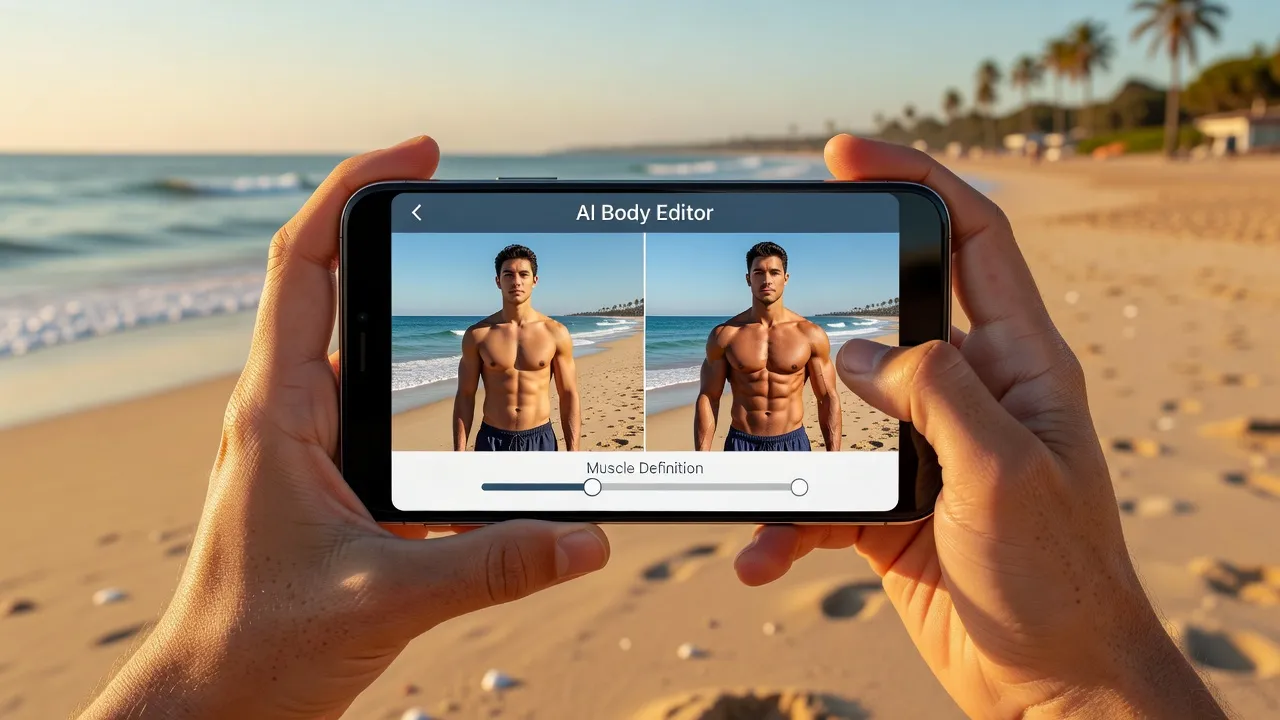
Modern dedicated body editing apps fix this issue by using neural inpainting. For example, BodyBlend lets you select from 17 preset body shapes (such as Muscular, Fit, or Ripped) or 11 targeted body part edits (such as muscular arms or visible abs). Because the underlying model isolates the body layer from the photo background, your wall lines stay straight while the body shape shifts.
Using an editor to view a realistic toned body preview helps set visual benchmarks when creating before and after photos for long-term fitness tracking.
Algorithmic Workout Planners for Physical Growth
Building actual muscle requires continuous physical stress over time. According to research published on Wikipedia's progressive overload documentation, muscle hypertrophy requires systematically increasing resistance, frequency, or repetitions to force physiological adaptation.
Workout algorithms calculate this progression automatically. Instead of guessing whether to add 5 pounds to your squat, the application reviews your velocity, rated perceived exertion (RPE), and logged recovery data to output exact numbers for your next session.
How does the Fitbod AI app work for muscle building?
Fitbod uses a machine learning algorithm to calculate target weights, reps, and exercise selection based on your logged muscular recovery. The app tracks 14 distinct muscle groups, calculating a decay curve for each muscle based on the volume lifted in previous workouts.
Workout data input flows into the muscle recovery algorithm, which then flows into optimized session output.
Workout Data Input:
- Logged Sets & Reps
- Rated Perceived Exertion
Muscle Recovery Algorithm:
- Tracks 14 Muscle Groups
- Calculates Decay Curves
Optimized Session Output:
- Target Weights & Reps
- Equipment-Matched Moves
Fitbod designs daily workouts through a three-step cycle:
- Recovery Assessment: As of October 2026, Fitbod estimates muscle fresh percentage using past load history. If your chest is at 20% recovery after heavy bench presses, the app shifts focus to fully recovered groups like your pull muscles or legs.
- Equipment Matching: You select your available training gear (such as full commercial gym, dumbbell-only home gym, or bodyweight). The algorithm filters its exercise library to include only movements you can execute with that gear.
- Dynamic Volume Allocation: Fitbod sets your weight and rep targets based on a nonlinear periodization model. If you complete all recommended sets easily, the next session automatically prompts a weight increase.
According to Fitbod's official platform documentation, the algorithm adjusts its exercise recommendations over time to prevent adaptation plateaus while managing joint strain.
How does Tempo Studio's AI strength training work for muscle building?
Tempo Studio uses 3D infrared sensors and computer vision to track physical movement, count repetitions, and provide real-time form corrections. Unlike mobile apps that rely strictly on self-reported set logs, Tempo monitors your actual lifting execution using spatial depth sensors.
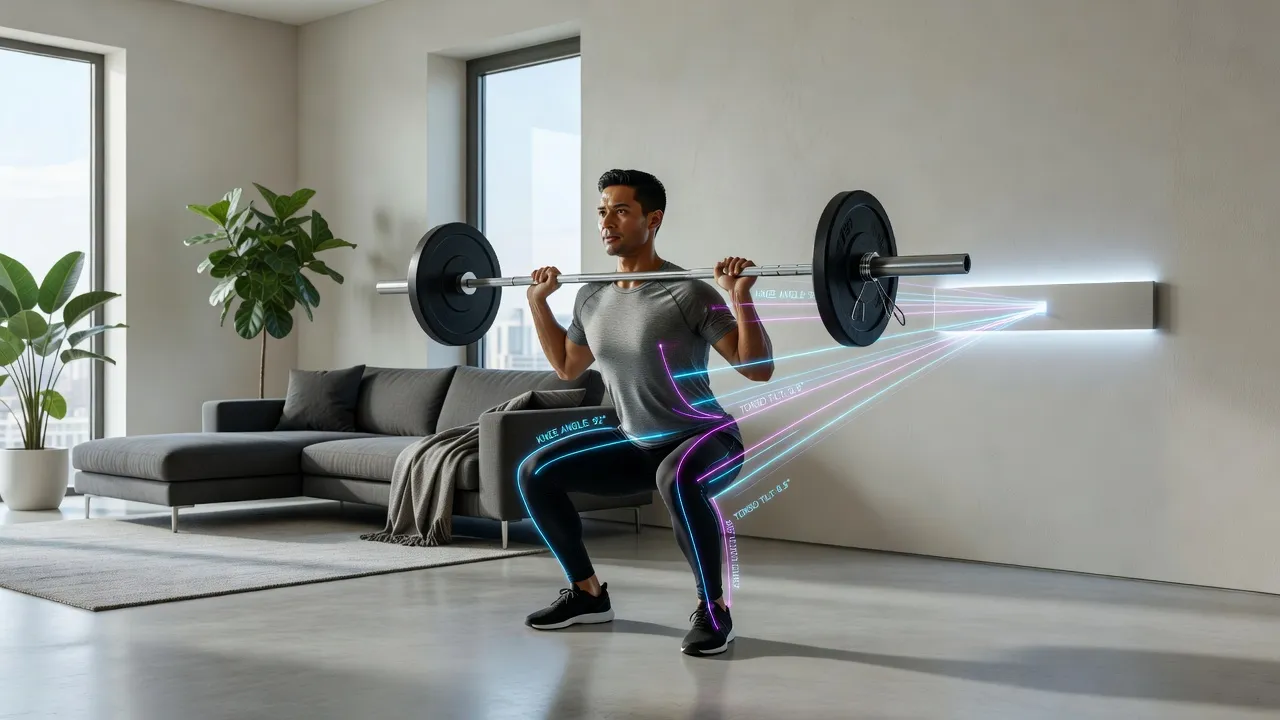
Tempo focuses on hypertrophy through technical execution and load optimization:
- Form Error Detection: The camera tracks key anatomical joints. If your knees cave inward during a squat or your lower back rounds during a deadlift, the display flags the error immediately to keep tension on the target muscle.
- Velocity Tracking: Tempo measures how quickly you move the weight through the concentric phase of a lift. Slow bar speed signals muscular fatigue, prompting the system to recommend stopping the set before technical breakdown occurs.
- Automated Weight Progression: The software logs your completed reps with clean form and prompts you to increase the weight load on your next working set.
The primary constraint with Tempo is hardware dependence. You must purchase their proprietary system or sensor-compatible weights, making it less accessible for lifters who prefer standard public gym setups.
How does the Freeletics AI coach work for muscle building?
The Freeletics AI Coach generates bodyweight and weight-assisted training programs by analyzing user feedback submitted after every completed workout. Known as "The Coach," this dynamic algorithm uses Bayesian probability models to adjust workout intensity to your current stamina and strength ceilings.
Freeletics structures its muscle-building process around these parameters:
- Assessment Sessions: Your initial workouts establish baseline aerobic capacity, core endurance, and muscular strength through benchmark exercises like push-ups, squats, and burpees.
- Feedback Loops: After every set, you rate two metrics: technical difficulty and physical exertion. If you rate a workout as "too easy," the algorithm increases set volume or introduces harder movement variations (such as advancing from regular push-ups to archer push-ups).
- Daily Constraints Filter: If you have limited time or need to keep noise levels down in an apartment, the AI modifies that day's workout plan instantly without throwing off your weekly muscle-building progression.
You can inspect their training methodology directly on the Freeletics page on the Apple App Store. The main trade-off is that Freeletics leans heavily into bodyweight callisthenics and high-intensity continuous circuits, which may not suit lifters focused purely on maximum absolute strength.
How does the Future app's AI personal trainer work for muscle building?
Future pairs human strength coaches with algorithmic tracking software to build fully custom, weekly hyper-personalized workout plans. Rather than relying solely on automated scripts, Future uses machine learning to process sensor data from your Apple Watch or Android wearable, which human coaches then use to adjust training volume.
The platform works through a integrated approach:
- Biometric Data Collection: Your wearable captures heart rate response, active calorie burn, rest intervals, and movement completion rates during every exercise.
- Algorithmic Summaries: The software analyzes raw workout data to flag underperformance, missed targets, or extended rest periods.
- Coach Adjustment: A dedicated human trainer reviews these automated flags to rewrite your upcoming workout blocks, ensuring steady progress toward your muscle goals.
According to Future's official application page, this hybrid format delivers higher workout adherence than unassisted workout apps. However, the $199 monthly fee rules it out for lifters looking for cheap or free AI tools.
How does the FitnessAI app generate workouts for muscle building?
FitnessAI generates workouts by running machine learning models over a dataset of more than 5.9 million logged weightlifting sets. The system acts like an automated data analyst, comparing your strength progression against millions of historical lifting logs to predict your optimal weight load for every exercise.
[ 5.9M+ Historical Set Logs ] + [ Your Personal Strength Inputs ]
                                ↓
                 [ FitnessAI Predictive Engine ]
                                ↓
        [ Optimized Weight & Rep Targets per Exercise ]
Key features of FitnessAI's generation process include:
- Optimized Weight Increments: Instead of traditional 5-pound jumps, FitnessAI calculates exact target weights to maximize muscle hypertrophy without causing premature central nervous system fatigue.
- Variable Rest Timers: The app calculates rest periods dynamically based on the intensity of the set you just finished.
- Simple Interface: The app cuts out social feeds and complex setup screens, launching straight into your logged lifts for the day.
The primary limitation of FitnessAI is its strict focus on barbell, dumbbell, and machine lifting. If your training incorporates callisthenics, functional cardio, or mobility work, the algorithm's predictions become less precise.
How to edit muscle onto your photos using AI photo generators
If you want to quickly see how an expanded physique looks on your own body, dedicated photo editing apps offer an easy solution. Using an ai muscle generator free tier or low-cost app allows you to test out target body shapes without spending hours learning complex photo-editing tools.
Here is the step-by-step process for editing your physique using an app like BodyBlend:
-
Upload a clear picture: Select a well-lit photo taken from the front or a slight angle. Avoid heavy filters, extreme shadows, or loose, baggy clothing that masks your body frame.
-
Select your target shape or body part: Choose a overall preset such as Muscular or Ripped, or tap a specific region like Muscular Arms or Visible Abs.
-
Generate and compare: The AI generates your updated photo in seconds. Use the built-in before and after comparison slider to check your changes against the original picture.
-
Save and share: Download your edited high-resolution photo directly to your device's photo library.
-
Clear Original Photo
-
Select Preset (e.g. Muscular)
-
AI Layer Processing
-
Natural Result
When creating an ai muscle man or ai muscle guys edit, look out for common pitfalls found in lower-quality apps:
- Warped backgrounds: Check that door frames, tiles, and gym machines remain perfectly straight.
- Skin tone mismatching: Quality apps keep your natural skin color consistent across edited areas.
- Unrealistic proportions: Avoid over-editing biceps or shoulders to sizes that do not match your overall bone structure.
If you are evaluating options for social media posts or tracking body goals, explore our comprehensive guide to the best AI body editor apps to see how different engines handle background integrity and body proportions.
Frequently Asked Questions
Are AI muscle generator photo apps easy to spot?
High-quality AI body editors are difficult to spot because they edit body layers while leaving background structures, skin texture, and clothing unchanged. Cheap editors often warp background lines or create blurred edges around the arms and waist.
Is there a best AI muscle generator free of charge?
Many apps offer free trials or limited free generations. BodyBlend provides one free generation upon download so you can test the AI body editor on your own photo before subscribing to a weekly or monthly plan.
Can AI workout apps build muscle as effectively as a human trainer?
Yes, for progressive resistance training, AI workout apps like Fitbod and FitnessAI often outperform generic human training plans by calculating exact load increases based on real workout data. However, they cannot inspect your physical lifting form in person like an in-person trainer can.
Do AI muscle photo editors work on both men and women?
Yes, modern photo editors include tailored algorithms for different body types. Apps like BodyBlend feature separate body presets for men and women, ranging from muscular and ripped frames to athletic and hourglass contours.
Will editing muscle on my photos alter my face or skin tone?
Advanced AI body apps use segmentation masks to preserve facial features, tattoos, and natural skin tones. The artificial intelligence alters only muscle definition and body contours without changing your facial identity.
How often do AI workout planners update training weights?
Most AI workout generators adjust your target weights after every logged session. If you easily complete your target reps during a workout, the app automatically calculates a weight increase for your next session.