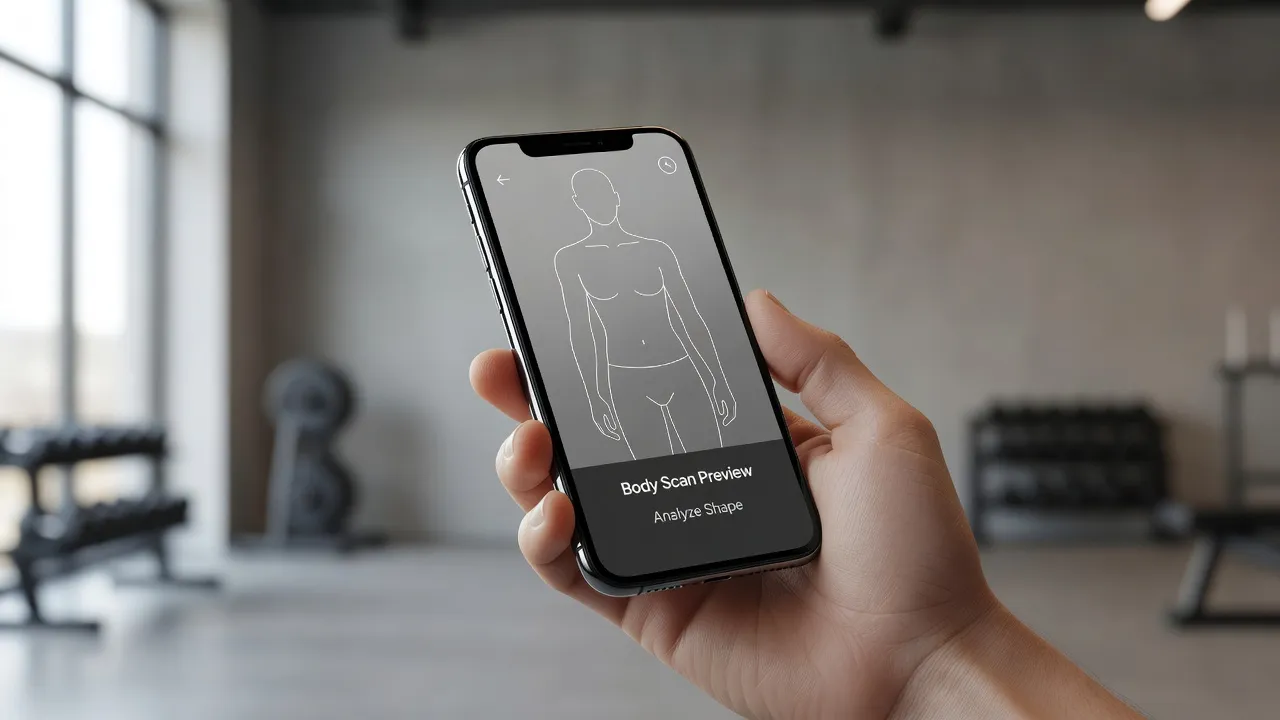
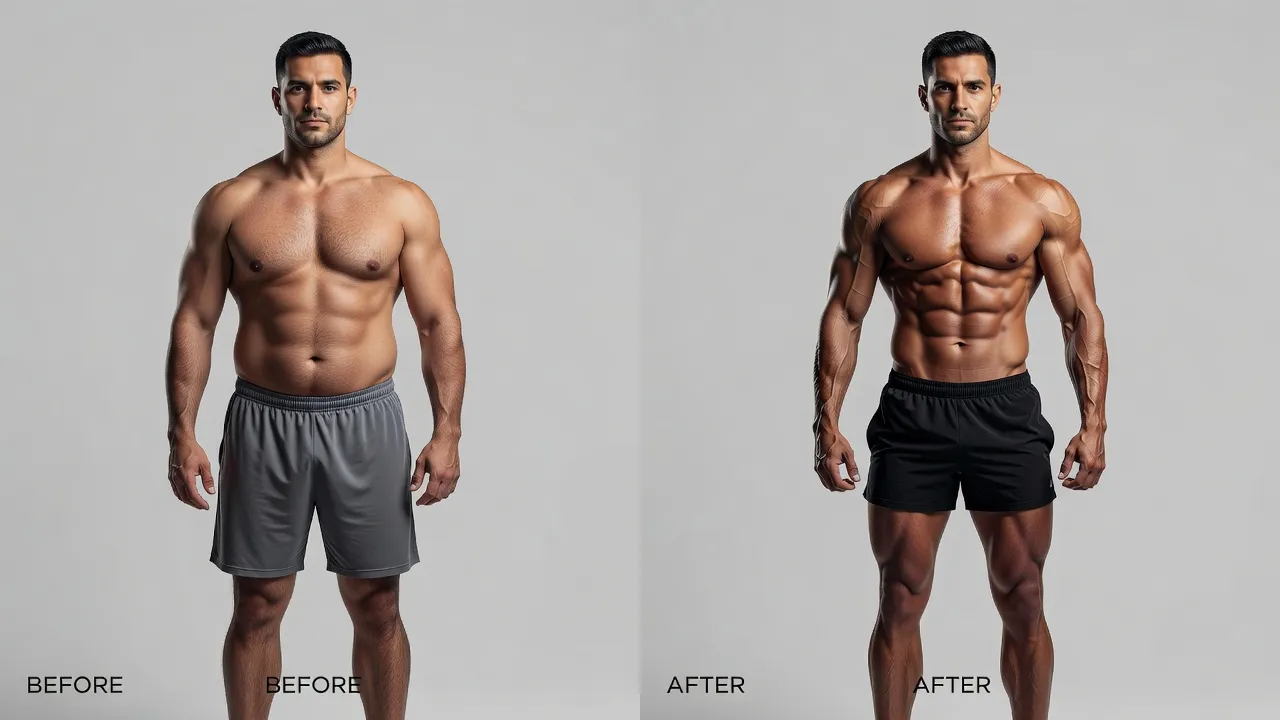
A body weight visualizer is an app or digital tool that modifies a photo or 3D mesh to simulate weight loss, weight gain, or body composition changes. Unlike manual photo editors that pinch or smear pixel grids, modern weight visualizers estimate how fat distribution and muscle definition shift across specific body types. Whether you want to preview a fitness transformation or tweak an image for social media, these tools generate realistic side-by-side previews in seconds.
Visualizing physical changes before spending months in the gym has become standard practice for fitness tracking. However, the technology powering these previews has shifted dramatically over the past few years. Old manual warping tools often created wavy background lines and unrealistic skin textures. Modern generative models redraw the body while preserving surrounding details like clothing patterns and wall lines.
How Modern Weight Loss Simulators Compare
The market for a weight loss simulator divides into automated AI generators, manual retouching services, and specialized face-morphing apps.
The table below breaks down how popular weight visualizer tools handle body transformations as of October 2026.
| App / Visualizer | Primary Method | Manual Effort Required | Background Warping Risk | Price Structure |
|---|---|---|---|---|
| BodyBlend | One-tap generative AI body redrawing | None (Removes manual Liquify brushes entirely) | Zero (Background stays straight) | Free trial (1 edit), then $9.99/wk or $14.99/mo |
| RetouchMe | Human designers editing photos manually | Low (Select parameters, submit order) | Low (Hand-edited by retouchers) | Pay-per-credit system (~$0.99 to $4.99/photo) |
| FaceApp | Generative neural filters | None (Tap preset filters) | Moderate (Can distort close backdrop elements) | Free basic, Pro starts at $9.99/mo |
| BodyApp | Manual mesh manipulation & sliders | High (Drag nodes and adjust proportion handles) | High (Edges warp unless masked carefully) | Free basic, Pro around $4.99/mo |
How AI Redefined Body Weight Visualizers in 2026
Legacy weight visualizers relied heavily on manual Liquify tools that pushed pixels outward or inward, often ruining photo backgrounds. If you stood in front of a tiled wall or a bookshelf, slimming your waist with old photo editors inevitably bent the doorframes and tiles behind you.
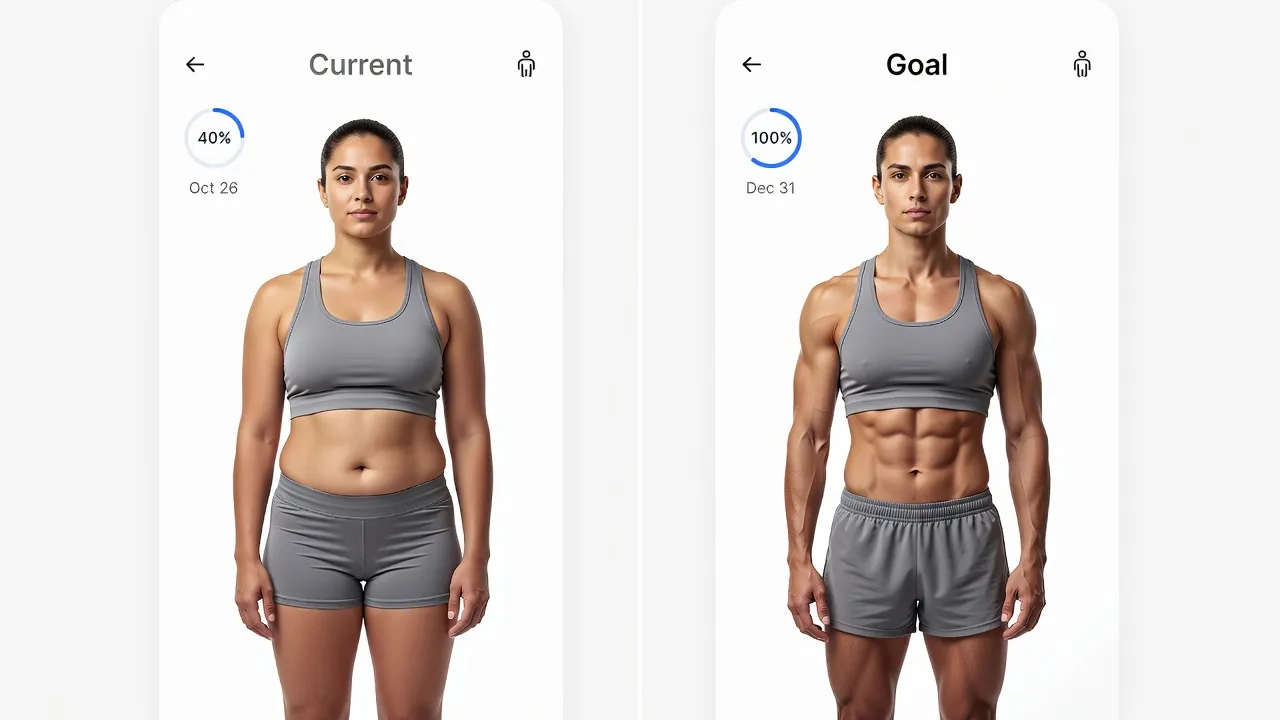
As of October 2026, AI-driven diffusion models have largely replaced basic pixel warping. Modern engines segment the human body from the background, isolate the clothing texture, and re-render muscularity or fat distribution natively. This means you can preview a toned body without making nearby objects look bent or unnatural.
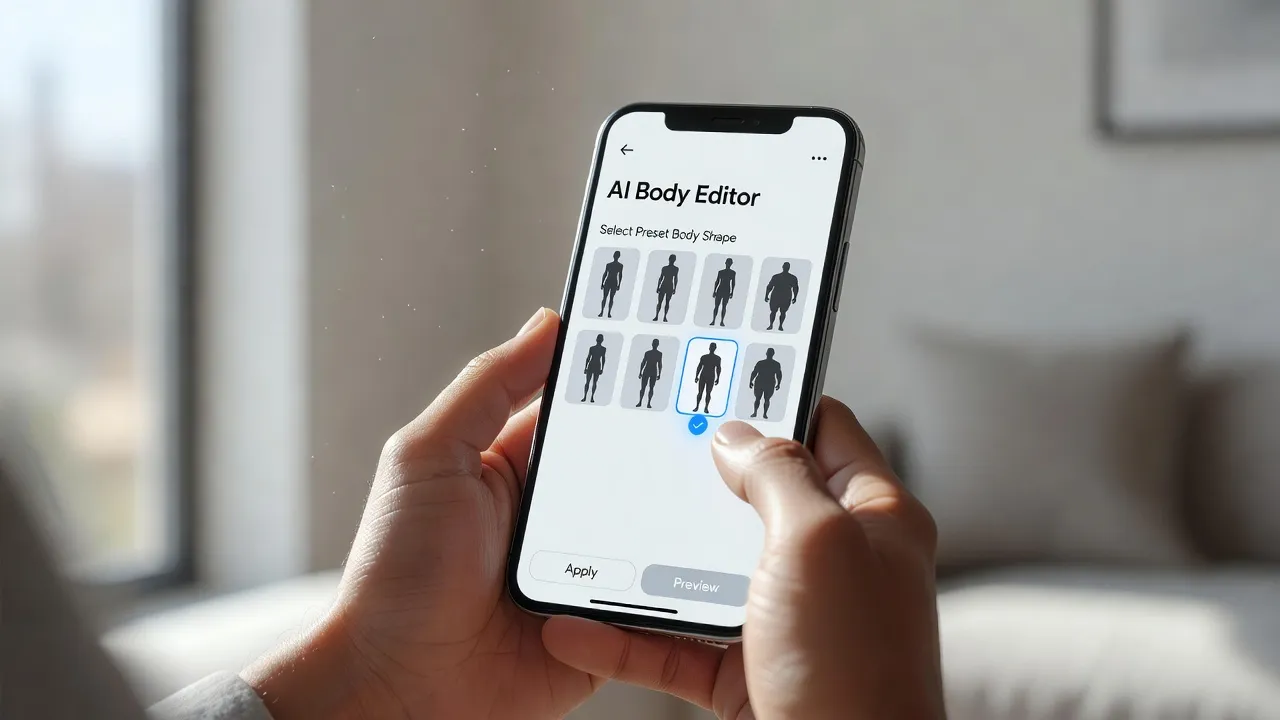
If you want to edit photos on an iPhone, tools like BodyBlend use deep learning to offer 17 preset body shapes—including Muscular, Fit, Hourglass, and Slim—alongside 11 specific body part edits. Because the engine processes the subject separately, your face, skin tone, background, and original outfit remain intact.
Does FaceApp have a feature to see yourself heavier or thinner?
Yes, FaceApp includes preset body and face editing filters that can adjust weight, but its full body tools are limited compared to dedicated body editors. While FaceApp became famous on platforms like Wikipedia's FaceApp entry for its age and facial swap features, its body-slimming tools rely on automated facial and body adjustments that only apply to clear, full-body portraits.
If you are using FaceApp to simulate weight loss or gain:
- The app offers facial reshaping filters ("Slim", "Weight") that narrow or broaden jawlines and cheeks.
- Its full-body adjustments are bundled under automated body filters in the Pro tier.
- Background distortion can still happen if your lighting is dim or your pose is complex.
For quick facial edits, FaceApp works well. However, if your primary goal is checking fitness proportions across your chest, arms, or legs, specialized body visualizers provide far greater control over specific muscles.
What is RetouchMe and can it change body weight in a photo?
RetouchMe is a photo editing service where human designers manually edit your submitted photo to make you appear thinner or heavier. Unlike real-time AI generators, RetouchMe operates on a credit system where you upload an image, check off specific requests (such as "Reduce Belly" or "Add Muscle"), and wait 10 to 30 minutes for a retoucher to return the image.
Key facts about using RetouchMe as a weight loss visualizer:
- Accuracy: Human retouchers handle complex clothing patterns and tricky backgrounds better than older automated sliders.
- Cost: You pay per edit using in-app credits, which gets expensive if you want to experiment with multiple target weights.
- Turnaround: It is not instant. You must wait for a designer to complete your ticket before seeing your preview.
If you need a single, highly customized edit for a major portrait, human retouching services deliver clean results. But if you want to test five different target weights instantly before writing your workout routine, manual designer queues are slow and costly.
What is Fatify and does it simulate weight gain from a photo?
Fatify is an entertainment app specifically designed to simulate facial weight gain by adding 20 to 50 pounds to a single headshot. Developed by Apptly, the app animates your photo with extra chin fat, heavy cheeks, and subtle facial movements like breathing or belching.
Fatify focuses on lighthearted facial morphing rather than serious fitness tracking:
- It processes close-up face shots rather than full-body physique photos.
- It applies fixed 3D face masks to exaggerate weight gain for comedic effect.
- It does not offer weight loss visualization or muscle definition presets.
If you want a fun avatar for social messaging, Fatify is entertaining. If you are building a goal visualizer for an actual diet or workout plan, it lacks full-body modeling.
What is MakeMeThin and how does it simulate weight loss from a photo?
MakeMeThin is an iOS app that shrinks the horizontal scale of detected body regions in a photo to create a slimmer appearance. The app uses automated edge detection to squeeze facial frames and waistlines inward.
How MakeMeThin handles weight loss previews:
- Automatic Detection: The app attempts to locate heads, waists, and legs upon photo upload.
- Slider Adjustments: Users drag a slider to narrow the midsection or lengthen the legs.
- Instant Output: The rendering takes less than two seconds because it shifts pixels rather than recreating lighting or muscle tissue.
The trade-off with legacy apps like MakeMeThin is photo distortion. Because it squeezes the midsection horizontally, lines on your shirt or pattern graphics behind you tend to curve inward. It serves as a quick draft for basic slimming, but fails to simulate realistic muscle gain or balanced athletic proportions.
What is BodyApp and can it change body weight in photos?
BodyApp is a mobile editing app that alters body weight, chest dimensions, and height using manual mesh overlays and preset body adjustments. Available on mobile app stores, BodyApp allows users to place anatomical grids over their body photos to expand or shrink specific areas.
Here is what you get with BodyApp:
- Manual Control: You can manually position control points over shoulders, waists, and hips.
- Muscle Overlays: It includes stick-on tattoo and ab presets that map over your skin layer.
- Subscription Model: Most advanced body shape sliders require a monthly or annual subscription.
While BodyApp grants granular control over individual limbs, setting up manual grids takes patience. Placing anchor points incorrectly distorts your body proportions, making your arms or waist look unnaturally skewed.
What is YouCam Makeup and does it simulate weight gain or loss from a photo?
YouCam Makeup—developed by Perfect Corp—includes dedicated body tuner tools that adjust waist size, arm thickness, and leg length. While famous primarily for virtual cosmetics and facial retouching, the app expanded its suite to cover full-body adjustments.
Its body-modifying features include:
- Automated auto-detection of legs and waists for quick slimming.
- Protect-masking tools that let you paint over background areas to prevent them from stretching.
- Integrated beauty controls to smooth skin texture and adjust facial contours simultaneously.
YouCam Makeup is a solid choice if you want an all-in-one beauty suite. However, its body tools focus strictly on slimming and lengthening rather than modeling realistic athletic builds or hyper-specific muscle definition.
Step-by-Step: How to Generate a Realistic Weight Loss Preview
To get a photo projection that actually resembles your potential fitness results, you need a clean source image and the right processing method. Following a structured setup prevents bad edits and background stretching.
Step 1: Capture a High-Contrast Source Photo
Stand 6 to 8 feet away from the camera in a well-lit room. Wear form-fitting clothing or athletic apparel so the software can accurately identify your frame outline.
- Avoid loose hoodies or baggy sweatpants that hide your natural body contours.
- Keep your pose neutral with arms slightly away from your sides.
- Stand in front of a simple background to make body detection easier for the AI.
Step 2: Choose Between Generative AI and Manual Liquify
Select your tools based on how much manual effort you want to spend:
- Generative AI: Apps like BodyBlend automatically recalculate body volume without requiring you to paint pins or isolate backgrounds manually.
- Manual Mesh Editors: Tools like Photoshop's Liquify command require you to manually nudge pixels inward using frozen background masks. According to Wikipedia's image editing documentation, pixel-pushing operations alter raw bitmap data directly, meaning any mistake on background lines remains permanent unless masked.
Step 3: Apply Targeted Presets Instead of Extreme Sliders
Extreme edits look fake immediately. If your visualizer uses sliders, limit your adjustment strength to between 10% and 25%.
- If you are building a gym goal preview, select presets that reflect realistic physiological targets (like "Fit" or "Muscular").
- If you want to check different aesthetic angles, combine a small waist adjustment with subtle shoulder broadening rather than shrinking the entire torso at once.
- Check out guides on before and after photos to learn how lighting shifts your visual body composition.
Step 4: Compare and Save Your Realistic Baseline
Export your edited photo and view it side-by-side with your unedited original. Check for realistic proportions:
- Ensure your elbows line up naturally with your midsection.
- Check background walls or doors to confirm no horizontal lines are sagging.
- Save the result to your camera roll as a reference point for your fitness milestone tracking.
Why Generative AI Beats Manual liquify for Goal Visualization
When you manipulate a photo to preview physical goals, speed and realism matter. Older retouching workflows required spending 20 minutes setting up layer masks in Photoshop or carefully painting protection zones in mobile apps.
Modern AI body editors streamline this completely:
- Zero Manual Masking: The engine automatically detects background pixels and locks them out of the generation pass.
- Realistic Muscle Texture: Rather than stretching existing skin pixels into blurry shapes, AI re-draws subtle muscular contours, abdominal definition, and chest lines.
- Presets Built for Goals: Instead of guessing how many pixels equal 15 pounds of weight loss, preset shapes (like Hourglass, Ripped, or Slim) apply anatomically balanced changes in a single tap.
If you are evaluating different apps for your phone, review current roundups of the best AI body editor apps to see which tools offer native background lock technologies.
Frequently Asked Questions
Can a body weight visualizer show exact weight loss numbers?
No app can predict your exact scale weight because muscle density, bone structure, and fat distribution vary per person. Body weight visualizers estimate physical volume and body shape changes, serving as visual goal motivation rather than precise medical scales.
Do weight loss visualizers distort photo backgrounds?
Legacy apps using manual Liquify tools or simple pixel sliders often warp background walls, doors, and furniture. Modern generative AI visualizers separate the subject from the background, keeping background lines straight and stable.
Is there a free weight loss simulator for mobile?
Yes, several mobile apps offer free trials or free single edits. BodyBlend offers one free edit upon download, allowing you to test preset body transformations on your iPhone or iPad before choosing a subscription.
Can I use a body weight visualizer to see muscle gain?
Yes, many modern body visualizers include presets specifically tuned for muscle mass, such as chest expansion, visible abs, and bicep edits. Instead of just slimming down, these presets redraft your frame to simulate strength training gains.
How do I prevent my visualizer photos from looking fake?
To keep previews realistic, use a well-lit source photo taken from eye level while wearing form-fitting clothing. Avoid pushing sliders to maximum strength, and select presets that match achievable body fat percentages for your height and frame.
Can FaceApp change my entire body shape?
FaceApp has limited body editing filters, primarily focusing on facial age, gender, and jawline changes. For full-body weight loss or muscle visualization, dedicated body shape editors provide better proportion controls across your torso and legs.
Are body visualizer photos safe to upload?
Reputable apps process images according to strict privacy policies and store photos securely during rendering. Always check an app's privacy disclosure on the App Store to ensure your personal photos are not shared publicly or sold to third parties.