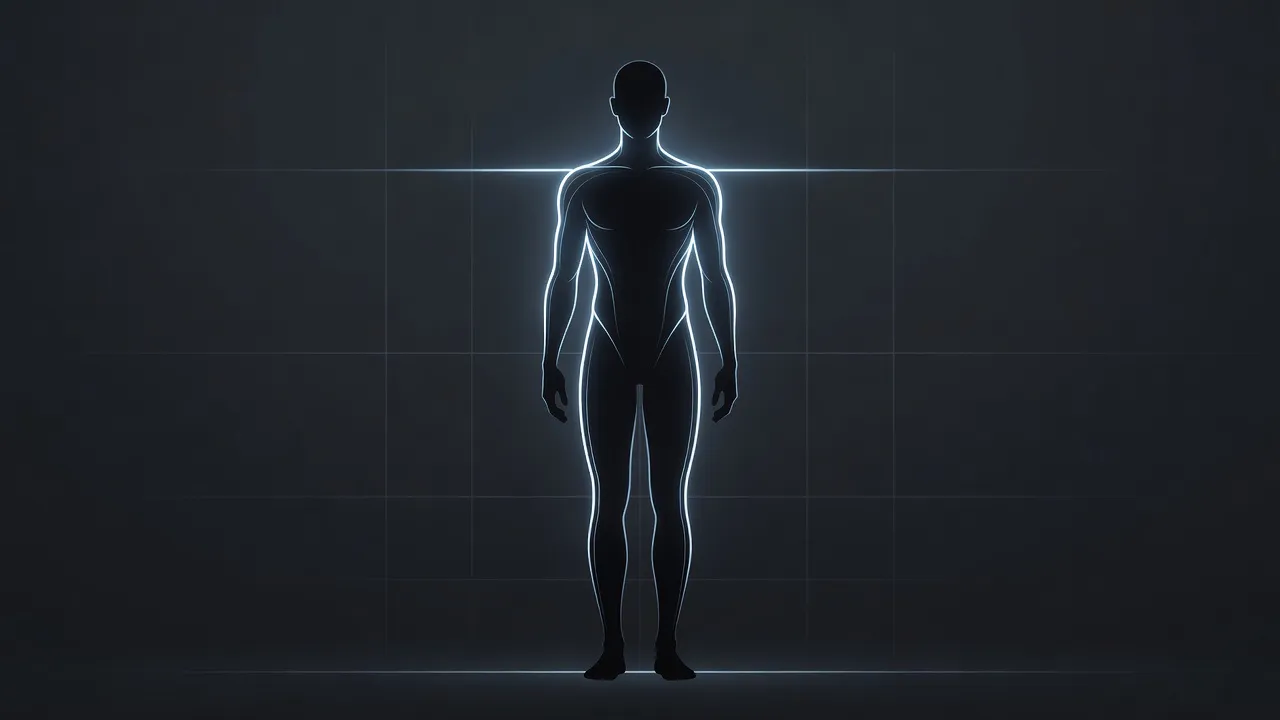
The proportion of the body refers to the mathematical relationship between different anatomical measurements, such as the ratio of shoulder width to waist size or torso length to leg length. Unlike total body weight or body fat percentage, body proportion dictates your overall silhouette, visual symmetry, and how clothes drape over your frame regardless of what the scale says.
When you look at someone who appears athletic, balanced, or photogenic, your eyes are reacting to ratios rather than absolute mass. Understanding how these proportions work lets you set realistic fitness targets, choose clothing cuts that complement your natural bone structure, and accurately visualize physical goals on your photos.
Which Ratios Matter Most in Body Proportion?
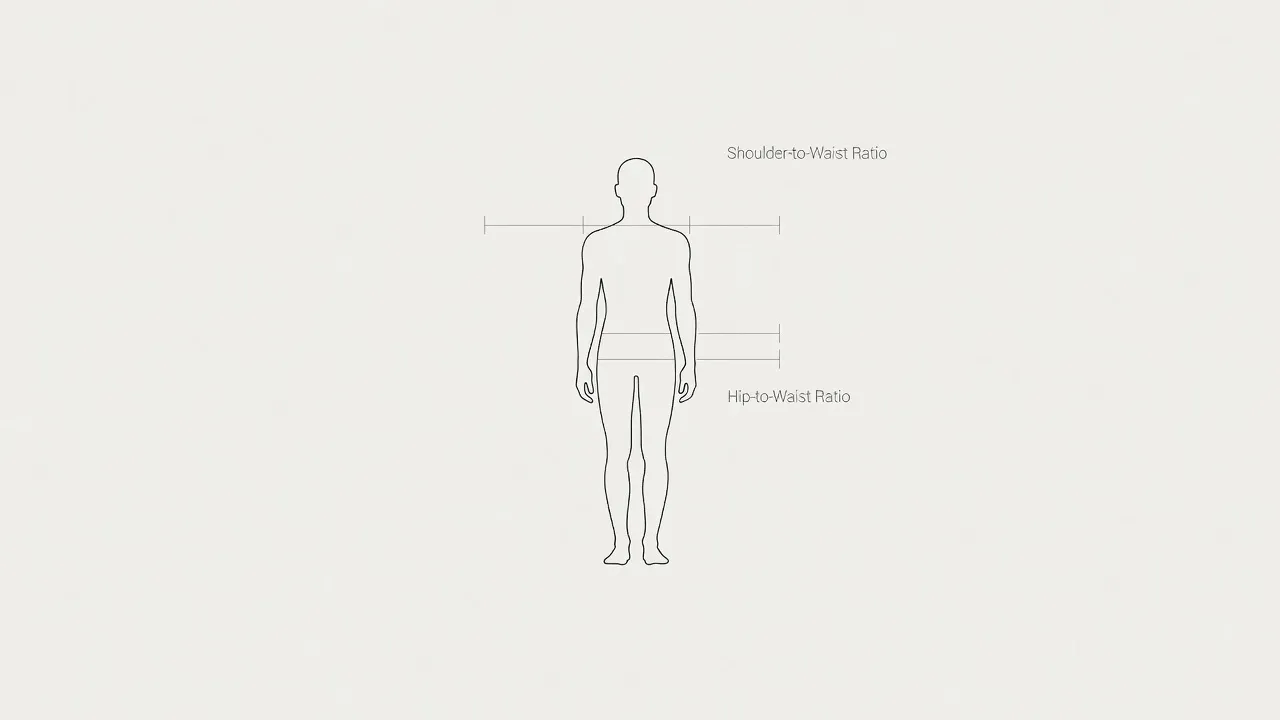
The three most influential proportions of the body are the shoulder-to-waist ratio, the waist-to-hip ratio, and the vertical torso-to-leg ratio. These three figures establish the foundation of human visual aesthetics across both male and female frames.
What is the ideal shoulder-to-waist ratio?
The shoulder-to-waist ratio measures the circumference or width of your shoulders relative to your narrowest waist point.
In fitness and design, a shoulder measurement roughly 1.6 times larger than the waist is often cited as the shoulder-to-waist standard (frequently called the Golden Ratio or Adonis index). For men, building broad deltoids and maintaining a narrow waist creates a classic V-taper. For women, moderate shoulder breadth balances out hip width to create an hourglass appearance.
Why does waist-to-hip ratio dictate silhouette?
The waist-to-hip ratio calculates your waist circumference divided by your hip circumference, serving as the primary metric for lower-body proportion.
According to health metrics documented on Wikipedia's Waist-to-Hip Ratio overview, a ratio of 0.70 for women and 0.90 for men is widely recognized as biologically signal-rich for health and visual balance. If your hips are significantly wider than your waist, your lower body appears grounded and rounded. If your hips match your waist, your frame presents a straight, rectangular silhouette. You can explore how bone structure influences this in our detailed guide on the type of hips.
How does vertical proportion affect your height appearance?
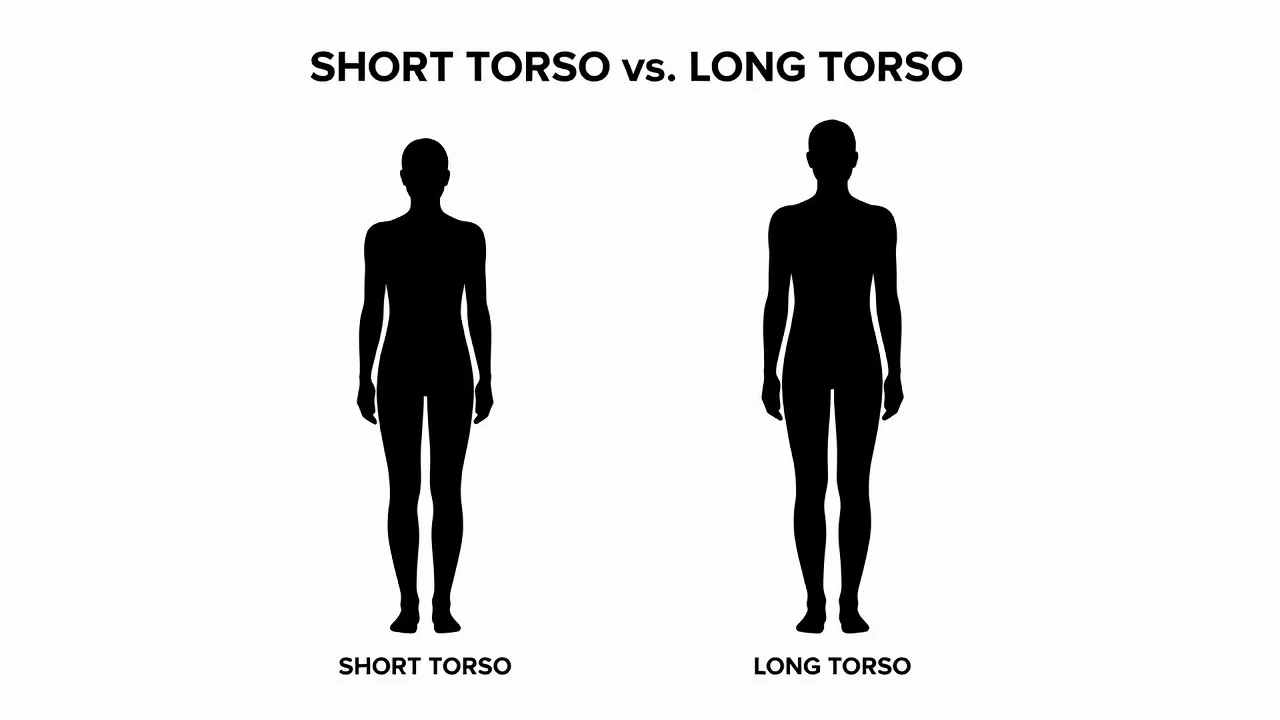
Vertical body proportion compares the length of your upper body (head to hips) against your lower body (hips to feet).
People with longer legs relative to their torso appear taller in photographs, even if their measured height is below average. Conversely, a long torso paired with shorter legs creates a grounded stance that changes how mid-rise clothing fits. You cannot change your bone lengths, but managing muscle tone and body composition changes how these vertical proportions present visually.
Bone Structure vs. Muscle: What Can You Change?
You cannot alter bone length or joint width, but you can alter the visual proportions of your body by changing muscle volume and body fat distribution.
Your skeleton sets the rigid limits of your proportions. Your clavicle width, pelvic structure, and femur length are permanent. However, visual proportions are flexible because the human eye measures relative shapes rather than bone thickness.
- Fixed elements: Clavicle width, hip bone span, knee joint thickness, torso height.
- Modifiable elements: Latissimus muscle width (broadens upper back), glute muscle projection (shapes hips), waist circumference (controlled by visceral and subcutaneous fat).
- Visual illusions: Dark clothing on the waist paired with bright colors on the shoulders instantly shifts perceived proportions.
If your goal is achieving a toned body, focusing on muscle placement adjusts your natural proportions without needing to change your underlying skeleton.
Why Do Camera Lenses Distortion Your Proportions?
Camera focal length and angle alter your body proportions in photos by stretching features near the edge of the lens and shrinking features near the center.
As of October 2026, smartphone cameras default to wide-angle lenses (typically 24mm to 26mm equivalents). Wide-angle optics expand objects close to the camera while compressing elements further back.
As detailed in optical guides like Wikipedia's explanation of perspective distortion, taking a selfie from chest height with a 24mm lens enlarges your torso and head while making your legs look shorter. Lowering the camera angle to waist level instantly lengthens leg proportions. Knowing this prevents you from mistaking camera distortion for actual body changes.
| Camera Setting | Optical Effect on Proportion | Best Used For |
|---|---|---|
| Wide (24mm-28mm) | Expands edges, elongates limbs | Full-body shots from low angles |
| Standard (50mm) | Matches human eye perspective | Realistic fitness progress tracking |
| Telephoto (85mm+) | Flattens depth, slims outer frame | Accurate portrait proportions |
How Can You Visualize Target Proportions Before Training?
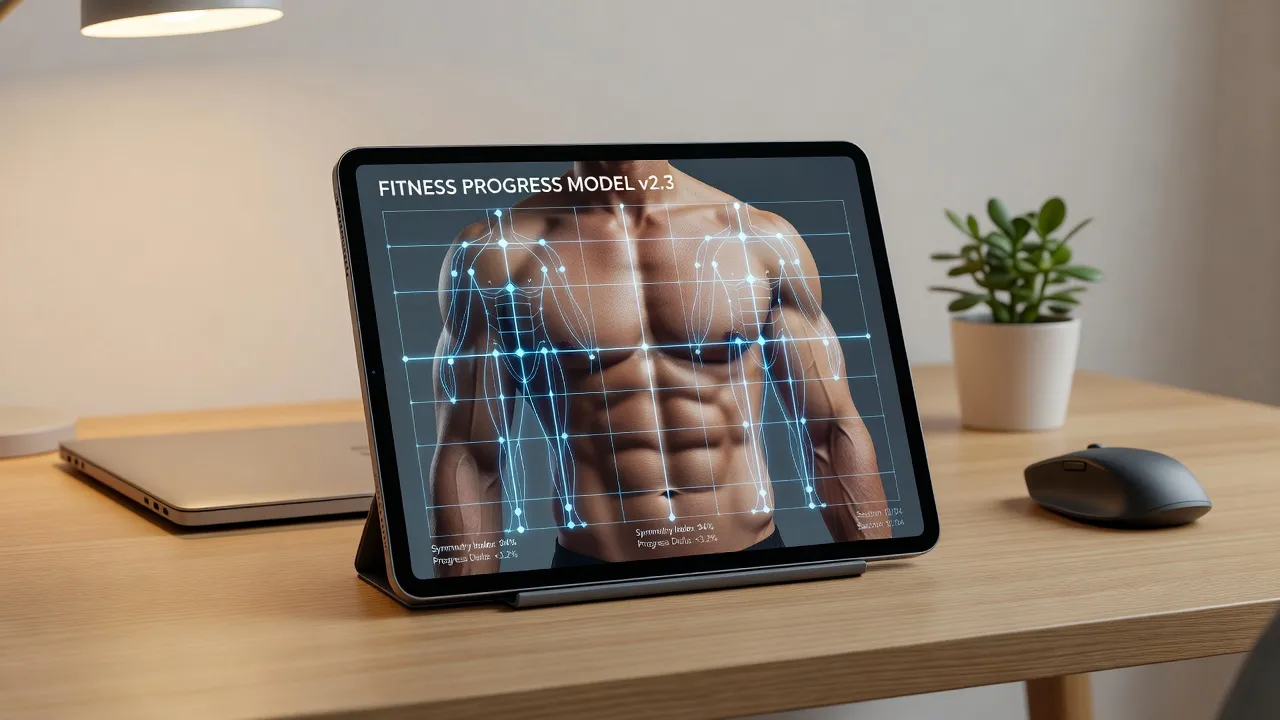
You can visualize your target body proportions on your own photos using digital preview tools before starting a fitness regimen or weight-loss plan.
Tracking physical progress purely through a weight scale can be frustrating because scales do not show where mass was gained or lost. Losing two inches off your waist fundamentally shifts your body silhouette, even if your total weight remains stable due to muscle gain.
Using before and after photos allows you to compare your real frame against target ratios. Setting a visual goal gives you a tangible blueprint for training, whether you need to prioritize shoulder hypertrophy or abdominal fat reduction.
What Are the Best Ways to Edit Body Proportions on Photos?
The main methods for editing body proportions on photos include manual warping in professional desktop software, manual mobile distortion sliders, and automatic AI body shape editors.
Each method trades off editing time, learning curve, and background quality. Manual tools give exact control over pixels but frequently stretch wall lines, floors, and doorframes behind the person. Automated tools analyze the subject to alter proportions while protecting environmental details.
| Method | Learning Curve | Background Protection | Primary Use Case |
|---|---|---|---|
| Manual Desktop (e.g., Photoshop Liquify) | High (Requires manual pixel pushing) | Manual masking required; prone to warping without layers | Professional retouchers editing raw photography files |
| Manual Mobile Apps (Slider-Based) | Moderate (Requires precise touch manipulation) | Low; background grids frequently bend near hip/waist drags | Quick casual edits where background detail is minimal |
| AI Body Shape Editors (e.g., BodyBlend) | Low (One-tap preset shape generation) | High; retains straight lines, skin tone, face, and clothing textures | Realistic target visualization for fitness goals and clean social posts |
How professional editors shift frame ratios
Manual editors rely on tools like the Liquify filter in Adobe Photoshop. According to Adobe's Liquify tool documentation, users push and pull pixel clusters to resize arms, waistlines, or legs. While powerful, doing this without ruining background geometry requires creating complex background selection masks.
Using automated AI shape editors for realistic visual targets
If you want to quickly see how your body looks with different proportions without spending hours masking layers, dedicated mobile software streamlines the process.
An app like BodyBlend simplifies body editing by applying generative AI directly to your frame. Instead of forcing you to smudge pixels manually with your thumb, the app offers 17 preset body shapes (such as Muscular, Fit, Hourglass, or Slim) alongside 11 targeted body part edits. Because it isolates the subject, your face, skin tone, clothes, and background remain untouched, preventing telltale background warping.
Traditional Warp Apps:  [Photo] -> [Manual Thumb Drag] -> [Warped Doorframe / Distorted Face]
AI Shape Editors:       [Photo] -> [AI Frame Segmentation] -> [Reshaped Body + Straight Background]
Pricing checked in October 2026 shows BodyBlend is free to download with one free generation included. Continued edits require a Pro subscription, which runs around $9.99 per week or $14.99 per month on the iOS App Store.
How to Check Your Proportions Accurately at Home
To measure your real body proportions accurately at home, use a flexible tailor's tape measure and take reference photos at eye level from ten feet away.
Follow these steps to eliminate measurement error and optical distortion:
- Stand straight with relaxed shoulders: Do not flare your lat muscles or pull your shoulders forward, as this inflates top-body measurements artificially.
- Measure the key landmarks: Record shoulder width at the widest point across your deltoids, waist circumference at the narrowest point above your navel, and hips at the widest point of your buttocks.
- Mount your phone camera at torso height: Set your phone on a shelf or tripod roughly four feet off the ground. Avoid high angle angles that shorten legs.
- Step back at least eight to ten feet: Step back from the lens and use 2x zoom if available. This reduces the focal distortion typical of wide-angle mobile lenses.
- Calculate your ratios: Divide your shoulder measurement by your waist measurement to get your shoulder-to-waist ratio. Divide your waist by your hips to find your waist-to-hip ratio.
Once you have your true numbers, you can determine whether your fitness plan should focus on building upper body volume, narrowing waist composition, or balancing leg development.
Whether you track changes using tape measures or preview future goals using tools like BodyBlend, maintaining balanced proportions creates a symmetrical frame that looks healthy in person and in photos.
Frequently Asked Questions
What is the ideal proportion of the body for aesthetics?
The classical aesthetic standard for body proportion relies on a waist-to-hip ratio around 0.70 for women and a shoulder-to-waist ratio of approximately 1.6 (the Golden Ratio) for men. These ratios create balanced silhouettes that signal physical health and symmetry.
Can you change your natural body proportions with exercise?
You cannot change your bone structure or skeleton length, but you can alter your visual body proportions by building specific muscle groups and reducing body fat. Expanding lat and shoulder muscles broadens your upper frame, while slimming your waist improves your shoulder-to-waist ratio.
Why do I look out of proportion in phone selfies?
Smartphone cameras use wide-angle lenses that distort proportions when held close to the face or torso. Features closer to the center of the lens appear larger, while lower extremities appear smaller, making your torso look disproportionately long relative to your legs.
How do I edit my body shape in photos without warping the background?
To prevent background warping, avoid manual smudge or liquify tools. Use an AI body shape editor like BodyBlend, which segments your body from the image background to alter frame proportions while keeping background lines, face details, and clothing textures straight.
Is body proportion more important than body weight?
For visual aesthetics and clothing fit, body proportion is generally more influential than body weight. Two people with the same height and weight can look completely different depending on muscle placement, shoulder breadth, and waist circumference.
What is vertical body proportion?
Vertical body proportion is the ratio between upper body length (head to hips) and lower body length (hips to feet). It dictates whether a person appears long-torsoed or long-legged regardless of their total height.
How can I preview how I would look with broad shoulders or a slim waist?
You can preview body proportion changes by uploading a full-body photo to an AI body editing app. Preset shape tools allow you to apply fit, muscular, or hourglass adjustments to your photo to set visual targets before starting a workout plan.