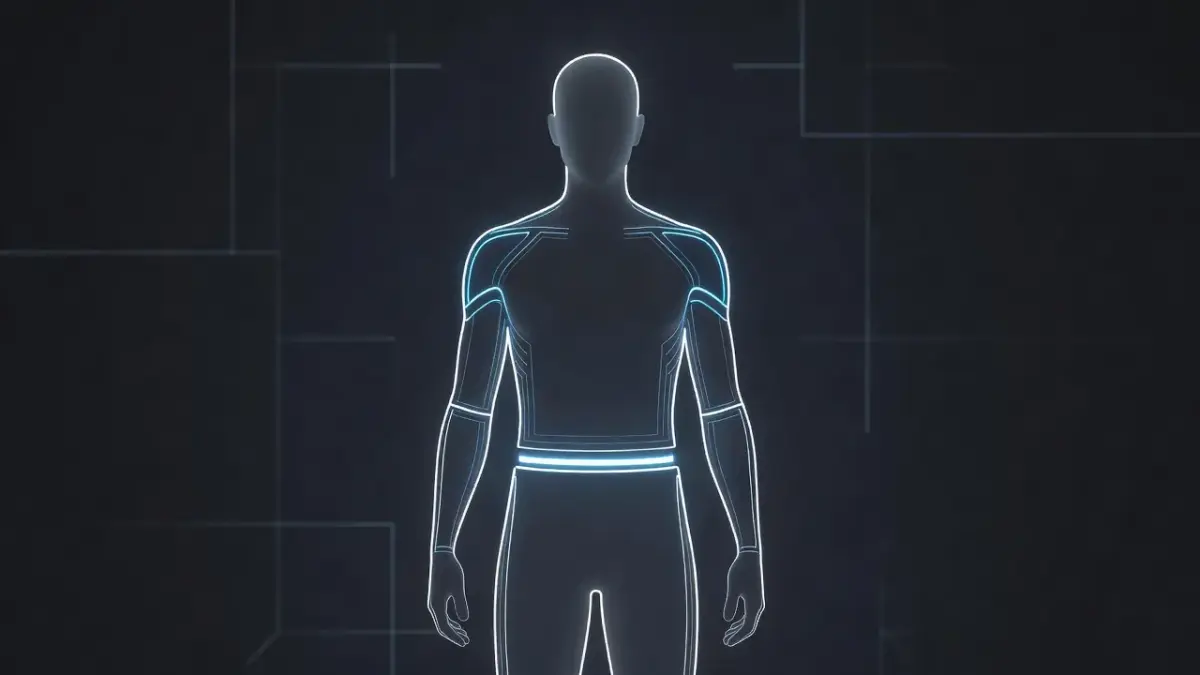
Body sections refer to the distinct anatomical zones of the human frame - such as the chest, waist, arms, hips, and legs - used in biomechanics and image editing to isolate regional proportions. Unlike global image adjustments that scale an entire body uniformly, isolating individual sections allows creators and fitness enthusiasts to modify targeted areas without warping the surrounding canvas. If you want to refine specific regions on your phone photos without altering your natural skin tone or background, BodyBlend is an iPhone app built for targeted body part editing.
What Are the Main Body Sections Used in Visual Modeling?
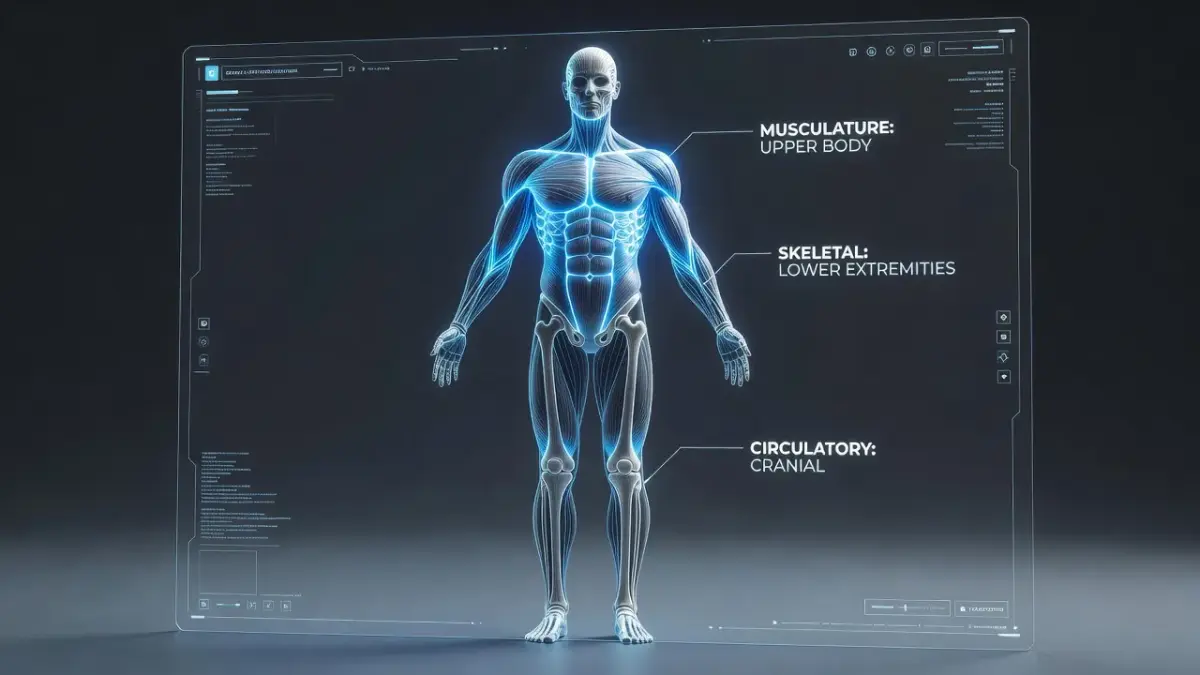
The main body sections used in visual modeling are the upper torso, midsection, arms, and lower extremities. Segmenting the body into distinct anatomical categories allows digital editors and visualizers to apply precise changes to one region at a time.
As of November 2026, mobile body segmentation engines can isolate 11 or more individual body zones automatically. This precision keeps edits localized so adjustments to one body part do not bleed into neighboring areas.
How Is the Upper Torso Segmented?
The upper torso section includes the shoulders, chest, and upper back. Editing this region focuses on widening the clavicle line, accentuating deltoid roundness, or broadening the chest perimeter to create a classic V-taper.
What Defines the Midsection Segment?
The midsection segment covers the waistline, abdominal wall, and lower back. This is the most frequently edited body section because minor adjustments to waist width drastically alter overall perceived body composition and symmetry. Waist width also reads narrower in-camera with the right posing and angle fixes.
How Are Limb Sections Calculated?
Limb sections divide the arms into biceps, triceps, and forearms, while legs break down into thighs and calves. Isolating limbs prevents awkward visual artifacts, ensuring muscle mass addition on an arm does not unintentionally thicken the torso behind it.
What Is the Biggest Mistake People Make When Modifying Body Sections?
The biggest mistake people make when modifying body sections is using global warping tools that distort background elements like doorframes, gym equipment, and background lines. When you push or pull pixels manually, the visual shift affects every neighboring pixel, leaving bent lines that expose the image edit.
Understanding the natural proportion of the body helps prevent unnatural visual edits. According to Adobe's Photoshop documentation, manual pixel pushing via the Liquify filter requires careful frozen-area masking to prevent background distortion, a step most casual editors skip.
Why Do Background Lines Warp During Section Edits?
Background lines warp because manual retouching brushes push pixels radially across the entire canvas, not just the subject's body. Standard grid manipulation toolsets do not differentiate between human skin, clothing fabric, or a brick wall in the background.
How Does Misjudging Muscle Ratios Ruin Visual Accuracy?
Misjudging muscle ratios creates anatomically impossible shapes, such as expanding biceps beyond forearm or shoulder support structure limits. Human muscular development follows specific physiological proportions documented in biomechanical research published by the National Institutes of Health. Increasing one body section without accounting for adjacent skeletal constraints results in a synthetic, uncanny look.
How Do Photo Editing Tools Compare When Editing Specific Body Sections?
Photo editing tools compare based on whether they manipulate raw pixels manually, apply global AI filters, or isolate body parts intelligently. Selecting the right tool depends on whether you prefer full manual control or automated edge preservation.
| Editing Approach | Target Reader / Use Case | Background Protection | Section Targeting Precision | Skill Required |
|---|---|---|---|---|
| Manual Liquify (Photoshop) | Professional retouchers needing pixel-level manual control | Requires manual masking layers | High, but time-consuming | High |
| BodyBlend AI App | iPhone users wanting tap-and-edit section changes without background warping | Fully automated edge preservation | High (11 individual body parts) | None |
| Global Preset Generators | Users looking for quick whole-body silhouette replacements | Varies, often replaces background | Low (edits whole body at once) | Low |
| Standard Photo Filters | Social media posters seeking basic color or exposure tweaks | Keeps background intact | None (no anatomical editing) | None |
How Does Targeted AI Editing Isolate Specific Body Parts?
Targeted AI editing isolates specific body parts by building a semantic map of the user's body separate from the background. Instead of stretching existing image pixels, generative AI reads the anatomical boundaries and redraws only the selected body section.
In BodyBlend, users can choose from 11 specific body part edits - such as adjusting the waistline, slimming the face, or expanding arm muscles - or select from 17 preset body shapes tailored separately for men and women. Because the underlying rendering engine leaves the face, skin tone, clothing, and background context unchanged, you avoid the pixel distortion typical of traditional retouching software.
Why Is Section-Based Visualization Useful for Fitness Tracking?
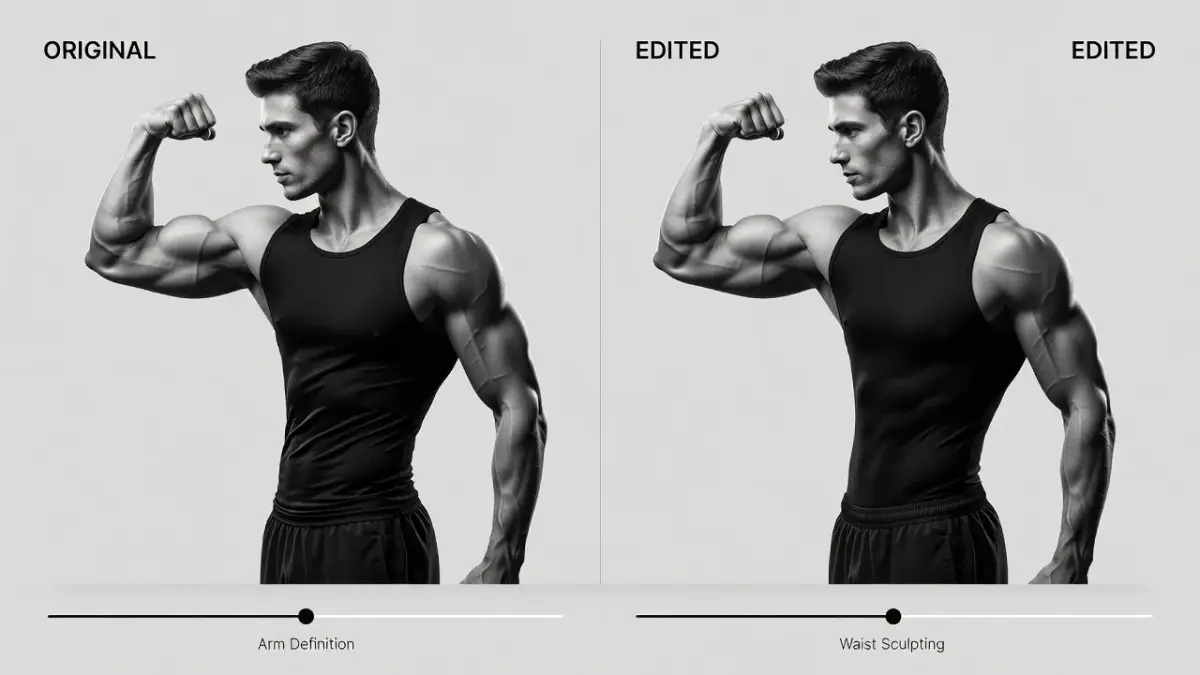
Section-based visualization helps fitness enthusiasts set realistic regional goals by previewing specific physical milestones on their own photos. Seeing how expanded shoulders or a narrowed waist looks on your actual frame keeps workout targets tangible during long training blocks.
Combining visual goal setting with a structured fitness transformation guide allows you to bridge the gap between abstract calorie targets and real-world physical changes.
Can You Spot-Reduce Fat by Targeting Body Sections?
No, you cannot spot-reduce body fat in real life by targeting specific body sections through exercise alone. Fat loss occurs systemically across the entire body based on genetics and overall caloric deficit, even though visual software allows you to isolate sections virtually.
How Do Isolated Edits Assist in Muscle Building Goals?
Isolated edits help pinpoint weak points in physical symmetry, showing where additional hypertrophy would improve overall balance. Visualizing a fuller upper chest or wider lats helps lifters prioritize exercise selection in the gym.
What Features Should You Look for in a Body Section Editor?
When selecting a body section editor, look for segment isolation, stackable edits, edge preservation, and natural texture retention. High-quality tools modify proportions without washing out skin details or warping surrounding patterns.
- Segment Isolation: The ability to select single zones like forearms or waist without shifting adjacent joints.
- Background Stability: Automated masking that prevents straight lines behind you from bending.
- Stackable Adjustments: Allowing multiple body part modifications on a single photo generation.
- Realistic Texture Retention: Maintaining realistic skin highlights, shadows, and clothing folds.
If you are looking to test various editing platforms, reviewing the best AI body editor apps will help you find software aligned with your device and editing experience.
Frequently Asked Questions
What are the main body sections to edit for a fit look?
The main body sections to edit for a fit look are the waist, shoulders, and arms. Reducing waist width while subtly broadening the shoulders enhances the classic aesthetic V-taper.
Does editing one body section alter the rest of the photo?
In traditional manual editors, editing one section can alter neighboring areas unless you freeze layers, whereas specialized AI tools isolate the body section automatically. Modern segmentation models separate the subject from the background to protect surrounding pixels.
Can I combine edits across multiple body sections on one picture?
Yes, most advanced editors allow you to stack edits across multiple body sections, such as refining the waist and adding arm definition simultaneously. Stacking adjustments creates a balanced transformation across the entire silhouette.
Why do my edited photos look fake around the arms or legs?
Edited photos look fake when the scale of the modified section violates natural bone structure or creates unnatural lighting shifts. Over-expanding a single muscle group without adjusting connecting joint areas creates visual imbalance.
Is body section editing available on mobile devices?
Yes, dedicated mobile applications allow users to adjust specific body sections directly on iOS and Android devices without complex desktop software. Apps like BodyBlend offer one-tap targeted edits directly on iPhone photos.
How do AI tools detect body sections in a photograph?
AI tools detect body sections using computer vision models trained on thousands of human poses to identify anatomical landmarks. According to Wikipedia's entry on computer vision, keypoint detection algorithms map joints and limbs automatically to segment images accurately.
What is the difference between global body edits and section edits?
Global body edits alter your entire figure uniformly, while section edits target single anatomical regions like your waist or biceps independently. Section editing offers far greater control over specific proportions.