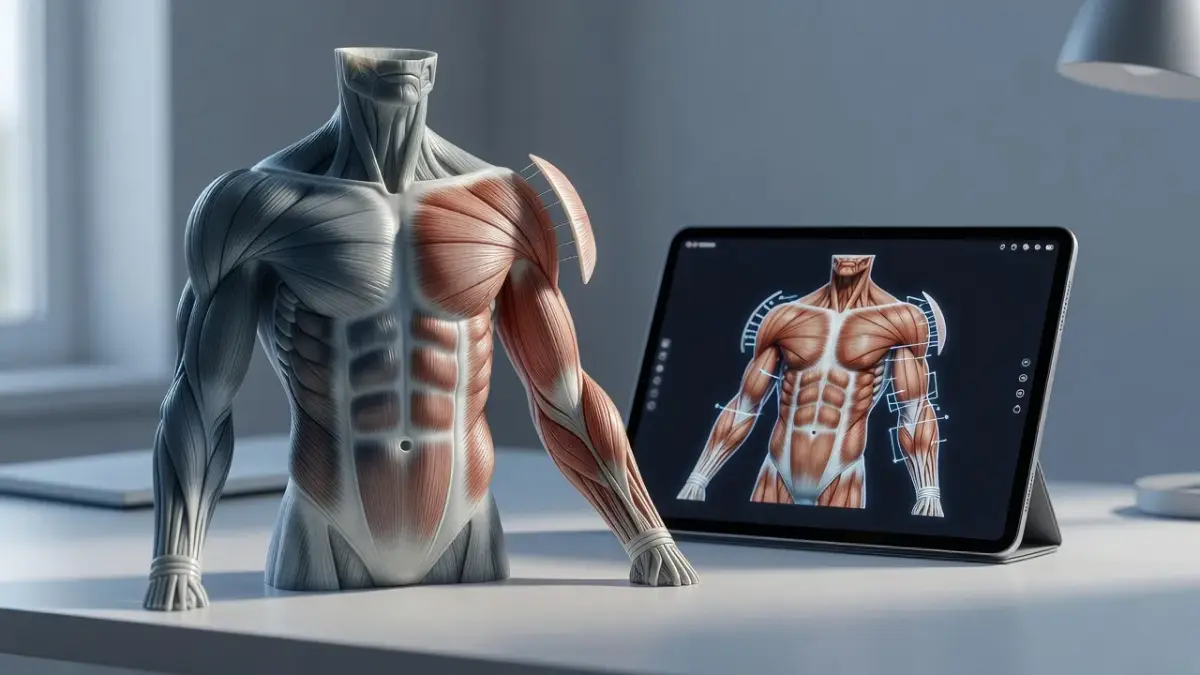
A muscle model is a physical or digital replica of the body's muscles that shows each muscle's shape, position, and attachment points - or, in fitness, a picture of yourself with more muscle on your frame. Anatomy students and teachers use the first kind. Anyone planning a training block or posting gym photos usually wants the second.
If you want to see your own photo with a muscular, fit, or ripped build before you train, BodyBlend is an iPhone app that redraws only your body from your photo and keeps your face, clothes, and background as they are. That is the "muscle model of you" side of this topic, and it's covered in its own section below. I've gone through most of the digital anatomy apps and compared the physical brands side by side, so the rest of this guide is the anatomy side: what to buy, what to subscribe to, and what's overrated.
What kinds of muscle model exist, and which one do you need?
There are three main kinds: physical anatomical figures, digital 3D apps, and photo-based body visualizers. Which one you need depends on whether you're learning muscle names or picturing a goal physique.
The human body has hundreds of skeletal muscles. Wikipedia's muscular system entry puts the count at roughly 650, which is why every model simplifies something.
| Type | What it shows | Best for | Examples |
|---|---|---|---|
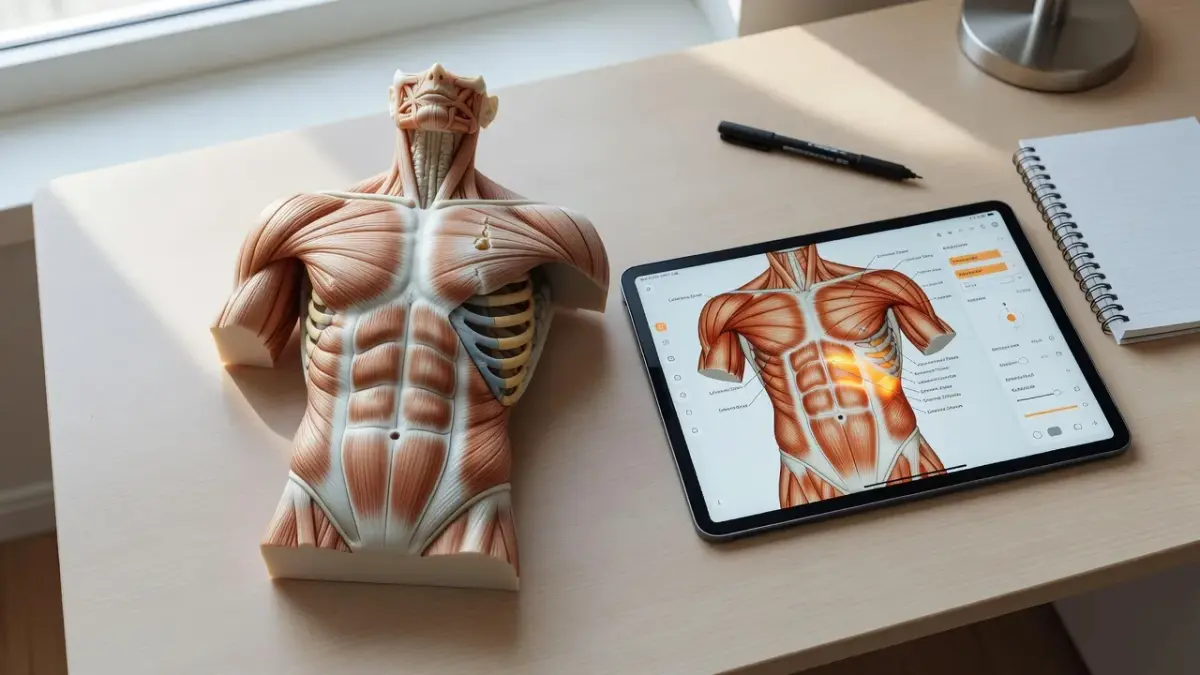
| Physical muscle figure or torso | Layered, removable muscles in plastic or resin | Hands-on teaching, lab benches, desks | 3B Scientific, Erler-Zimmer, Axis Scientific, Somso |
| Digital 3D muscle app | Rotatable, dissectable muscle layers with labels | Self-study, lecture prep, exams | Complete Anatomy, Visible Body |
| Photo-based body visualizer | Your own photo reshaped with more muscle | Goal setting, motivation, social posts | BodyBlend |
| Cadaver or prosection | Real tissue | Advanced dissection training | Medical school anatomy labs |
What are the best physical anatomical muscle models for learning anatomy?
For learning, the best physical muscle model is a full-body muscle figure with removable parts from an established maker, because you can lift off a layer and see what sits underneath. A torso alone leaves out the limbs, which is where most beginners struggle.
What to check before buying:
- Numbered key: Every muscle should be labeled to a printed legend you can quiz yourself against.
- Removable layers: Superficial muscles should come off to show the deeper ones.
- Scale: Half-life-size figures fit on a desk. Life-size ones are for classrooms.
- Stand and stability: A wobbly base is a daily annoyance.
Wikipedia's anatomical model article traces these teaching tools back to hand-made wax figures from the 18th century. The modern versions are plastic, but the logic is the same: touch it, take it apart, put it back.
In my opinion, a mid-priced figure from one of the big brands beats a cheap generic one every time. The loose-fitting parts and sloppy paint on bargain figures make the deeper muscles hard to identify.
What are the best digital 3D muscle models and apps for anatomy students?
The two strongest digital options for students are Complete Anatomy and Visible Body. Both let you peel muscle layers off a 3D body, rotate it freely, and isolate individual muscles by name.
Digital models beat physical ones in three ways:
- Layer depth: You can strip muscles away one at a time, down to the bone.
- Labels on demand: Tap a muscle and its name, origin, and insertion appear.
- Portability: A tablet holds the whole body, not a 45 cm figure.
They lose on hands-on feel. Rotating a model with your finger doesn't teach spatial depth the way holding a figure does, so I'd use both if you can.
Pricing changes by country, platform, and school license, so check each product's own listing before you commit. I'm not quoting numbers here, since anything I printed could be out of date by the time you read it.
Is Complete Anatomy (3D4Medical) a good muscle model for anatomy teachers?
Yes, Complete Anatomy is a strong muscle model for teachers if you want a single platform you can use to demonstrate layers live and share views with students. It's published by 3D4Medical and also has its own Wikipedia entry.
What works for teaching:
- Live demonstration: You can peel muscles layer by layer on a projector while students follow along.
- Movement: Muscles can be shown in motion, which a static plastic figure can't do.
- Annotation: Marking up a view for a lecture slide takes seconds.
The catch is a real one: it's a full anatomy platform, not a muscle-only tool. If your course is only about the muscular system, you're paying for more than you'll use. Check whether your institution already has a license before anyone buys a personal one.
Is Visible Body a good muscle model for anatomy educators?
Yes, Visible Body is a good option for educators, especially if you teach a muscle-focused unit and want clean, easy-to-read visuals. The company sells a dedicated muscle app alongside its broader atlas products, so you can buy only what your course needs. You can see the range on Visible Body's site.
Where it fits best:
- Muscle-only courses: A dedicated muscle product keeps the screen from getting crowded.
- Intro classes: The visual style is clean and doesn't overwhelm first-year students.
- Courseware pairing: Visible Body also sells course materials for instructors, so ask about bundles.
Where I'd hesitate: if you want the deepest dissection detail or advanced tools, compare it side by side with Complete Anatomy using each one's free trial or demo before committing a department budget.
Are Somso muscle models worth buying for anatomy teaching?
Somso models are worth buying for a department or a serious teaching program, but not for an individual student. The German maker, based in Coburg, is known for hand-finished work, and its figures are priced well above budget brands. You can browse the range at Somso's site.
Worth it when:
- You're buying for a classroom where models get handled by dozens of students a semester.
- Accuracy of fine detail matters, like tendon insertions and muscle fiber direction.
- You plan to use the same models for a decade or more.
Skip it when:
- You're a student studying alone and need a model for one course.
- You only need to learn the major muscle groups.
To be honest, the premium is easy to justify spread over years of classroom use and hard to justify on a personal budget.
Which muscle model brands are used in medical schools: 3B Scientific, Erler Zimmer, Axis Scientific?
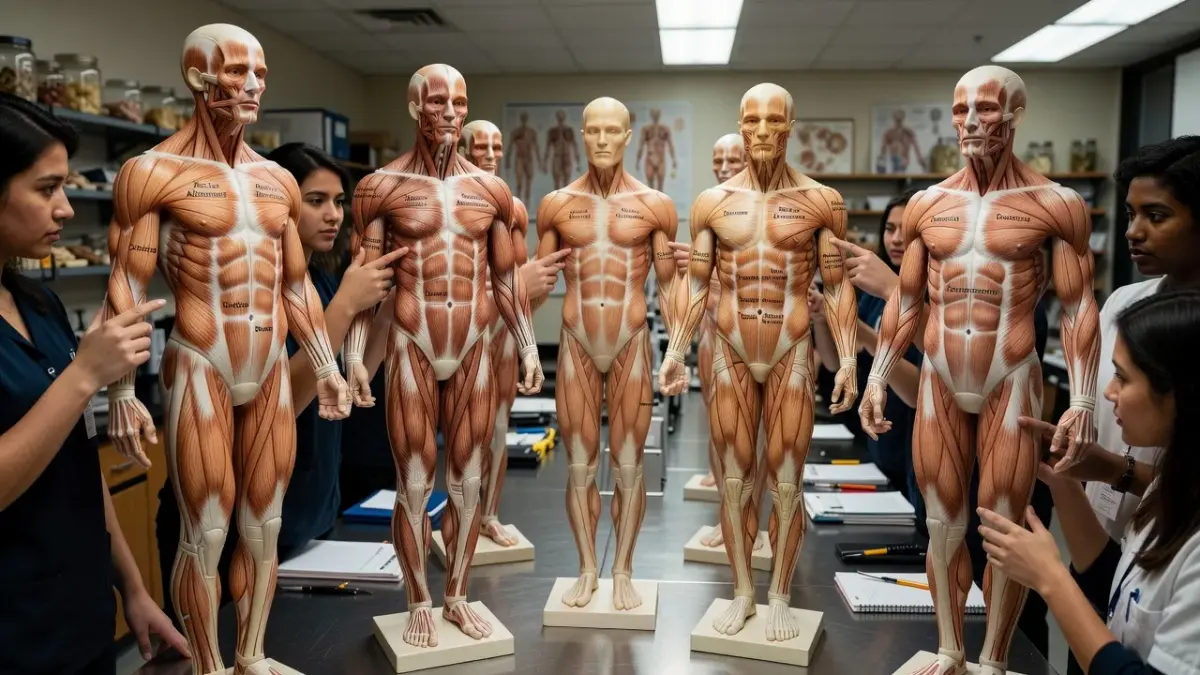
All three sell to schools, but no public ranking says which one medical schools use most. I won't invent one. What you can compare is what each brand is known for.
| Brand | Known for | Who it suits |
|---|---|---|
| 3B Scientific | Very wide catalog of muscle figures, torsos, and teaching sets | Schools and individuals who want many size and part-count options |
| Erler-Zimmer | German anatomical models and simulators for medical teaching | Medical and nursing programs |
| Axis Scientific | Lower-cost anatomical models | Students and small programs on a budget |
Medical schools also lean heavily on cadaver labs and digital platforms. The SEER training modules from the National Cancer Institute are a free, authoritative reference for checking what you've learned against any model, and Britannica's human muscle system article covers the fundamentals.
If you're a student, I'd start with a mid-range figure and a free reference, then add a digital app only if your course requires one.
What if you want a muscle model of yourself, not an anatomy chart?
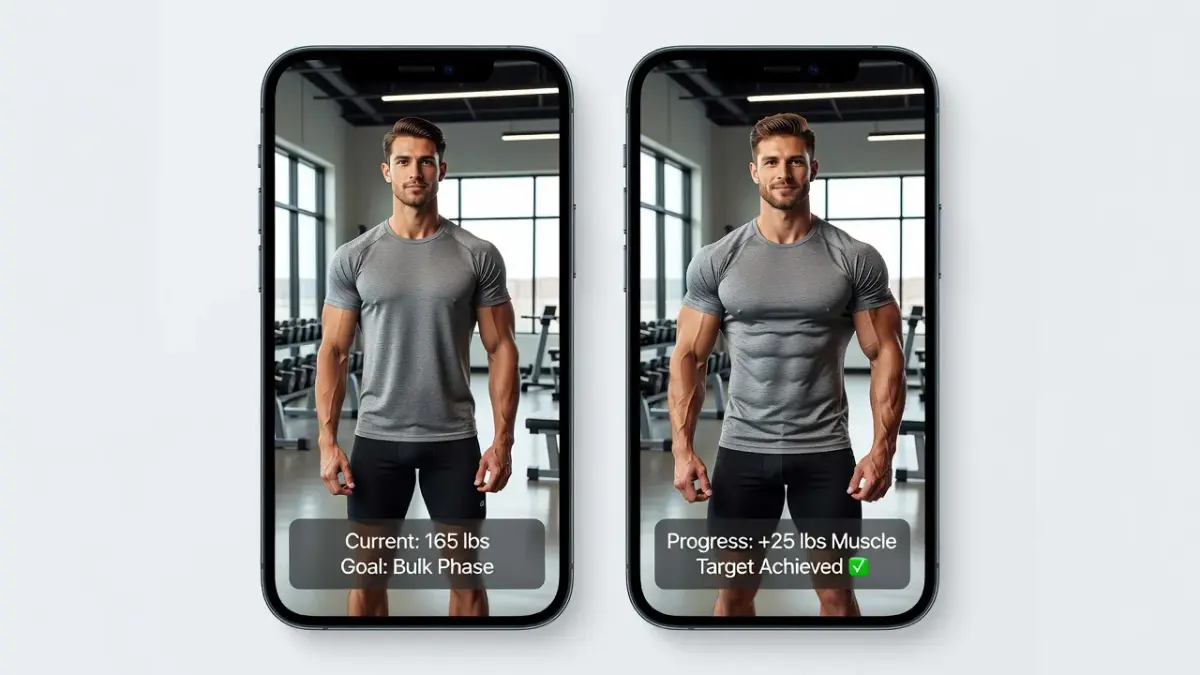
Then you want a photo-based visualizer, which reshapes your own picture to show a muscular build. These help you set a physique target before you start training, or look better in social posts.
BodyBlend works this way on iPhone. These are the features that matter for a muscle goal:
- Preset body shapes: 17 presets, including Muscular, Fit, and Ripped, tailored separately for men and women.
- Single body part edits: 11 edits, such as muscular arms and visible abs, so you can see one change at a time.
- Face, skin tone, clothes, and background stay unchanged: Only the body is redrawn, so the background doesn't warp.
- Before and after comparison: You can save and share the result to Photos.
It's free to download with one free generation included. Continued use needs a BodyBlend Pro subscription, generally $9.99 per week or $14.99 per month, and prices vary by country and plan, so check the App Store listing.
For a wider look at the category, see this comparison of AI body editor apps. If you specifically want AI muscle results, best AI muscle generators for workouts and photos goes deeper.
Should you pick a muscular or a lean target before you visualize?
Pick the target you'd actually train toward, because a preview you can't reach in a realistic timeline will just frustrate you. A bulky preset is a different goal from a lean one, and the training and diet differ.
Two guides on this site help you decide first: lean muscle vs bulk muscle for the goal itself, and the muscle fat ratio guide for what changes in the mirror as you build.
Frequently Asked Questions
What is the difference between a muscle model and a muscle diagram?
A muscle model is three-dimensional, either physical or digital, so you can rotate it and see depth. A diagram is flat and shows one angle at a time.
How many muscles does a typical human muscle model show?
It varies by product. Full-body figures usually show the major superficial and some deep muscles, not all roughly 650 skeletal muscles that Wikipedia's muscular system entry mentions. Check each product's listed part count.
Is a digital muscle model enough, or do I need a physical one?
For memorizing names and attachments, digital is enough for most students. For spatial understanding, I'd still touch a physical figure at least a few times, even if it's one at a lab or library.
Are cheap muscle models accurate enough for a beginner?
Budget figures cover the major muscle groups well enough for an intro course. Look closely at labeling quality before you buy, because that's where cheap models cut corners.
Can a muscle model app show how my body would look with muscle?
Anatomy apps don't. They show generic anatomy, not your photo. A photo-based tool like BodyBlend reshapes your own picture, and your face and background stay the same.
Do I need a subscription to use a digital muscle model?
Often yes for full features, though many have free trials or limited free versions. Check each app's current listing as of November 2026, since plans change.
What is the best free way to learn muscle anatomy?
The NCI's SEER muscular system module is free and well organized. Pair it with a library model if you can.